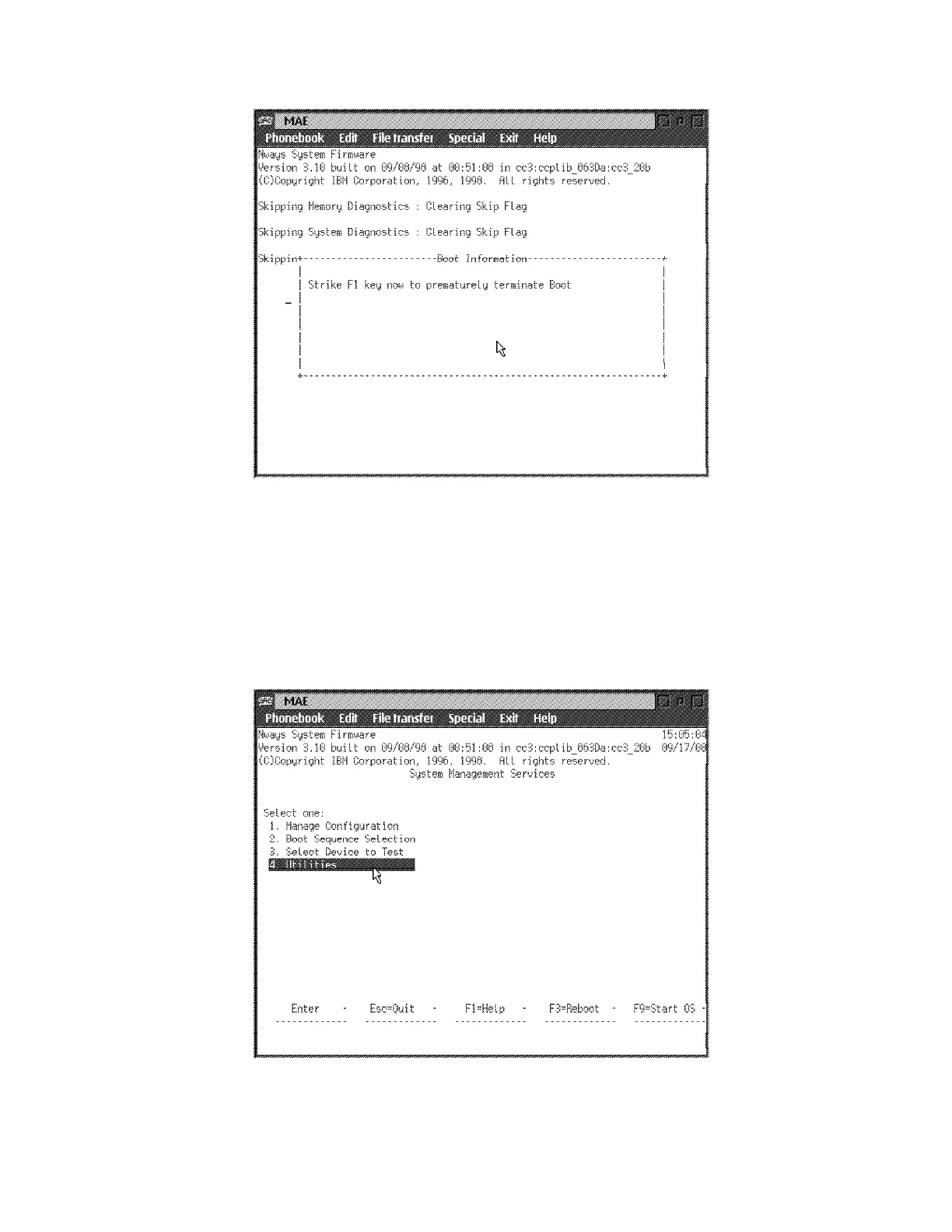
8 The firmware menu is displayed. From the menu (as shown in Figure 5-1),
you can select from four services. The following sections explain these
services and provide instructions for using the associated panels:
“Managing the Configuration” on page 5-6.
“Selecting the Boot Sequence” on page 5-7.
“Selecting a Device To Test” on page 5-9.
“Using the Utilities” on page 5-10.
Figure 5-1. System Management Utilities
5-4 3746-9X0: MAE Installation and Maintenance


 To Next Page
 Loading...







