Managing the Configuration
Managing the configuration involves defining and modifying some configuration
values. You can change the operational parameters for the serial ports. For
example, you could modify the serial ports or PCMCIA modem’s speed, parity, data
bits, and so on, by pressing F6.
1 Select 1. Manage Configuration from the main menu as shown in
Figure 5-1 on page 5-4.
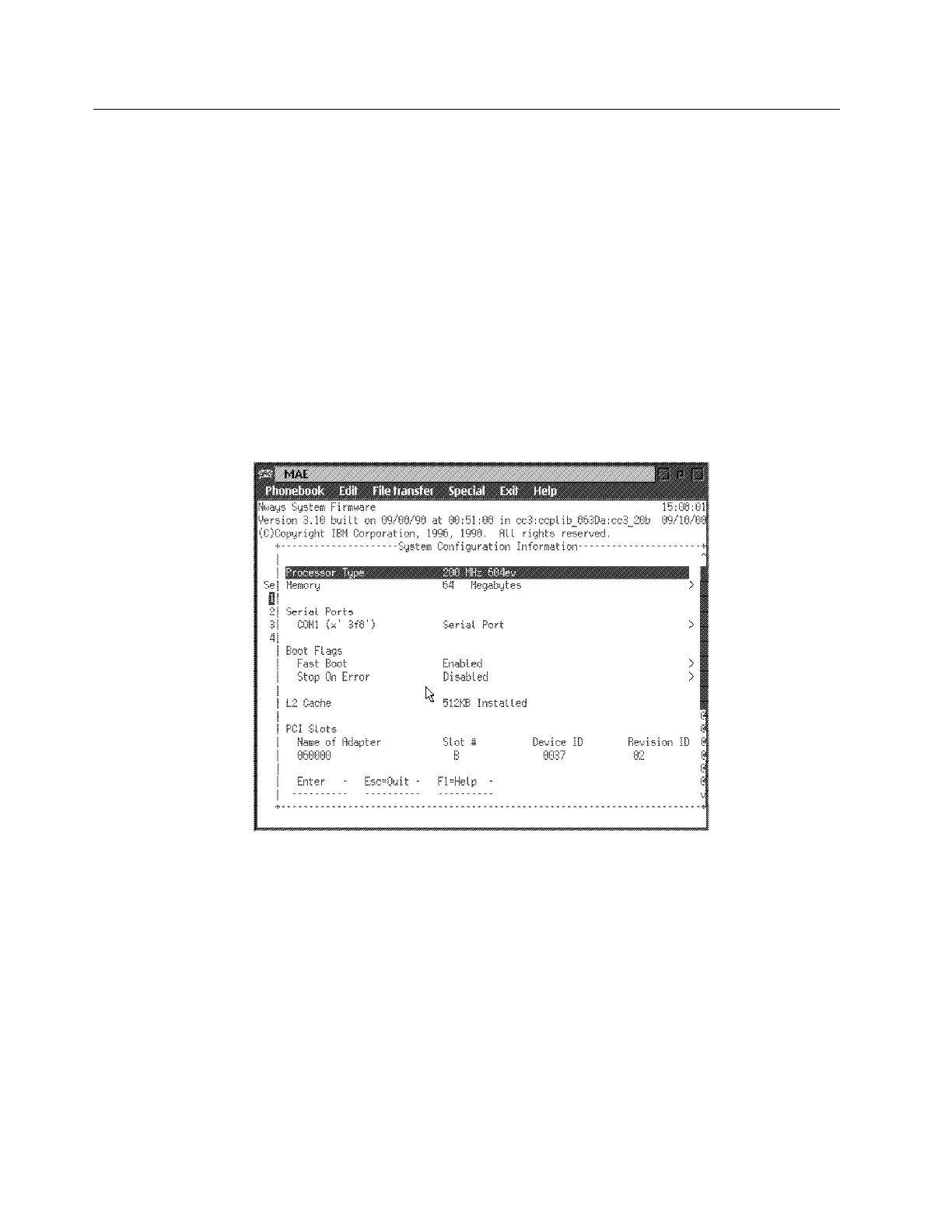
2 The System Configuration Information panel is displayed as shown in
Figure 5-2.
Note: Only the fields under Serial Ports can be modified. To modify the
specifications for a port, move the cursor to the field, and type in the new
value.
Use the down arrow (↓) key to scroll to the next panel.
Figure 5-2. System Configuration Information
5-6 3746-9X0: MAE Installation and Maintenance


 To Next Page
 Loading...







