Selecting the Boot Sequence
This function enables you to select a sequence for the various boot devices, display
the current boot device settings, restore the default setting, and boot from other
boot devices. To select a boot sequence:
1 Select 2. Boot Sequence Selection from the main menu.
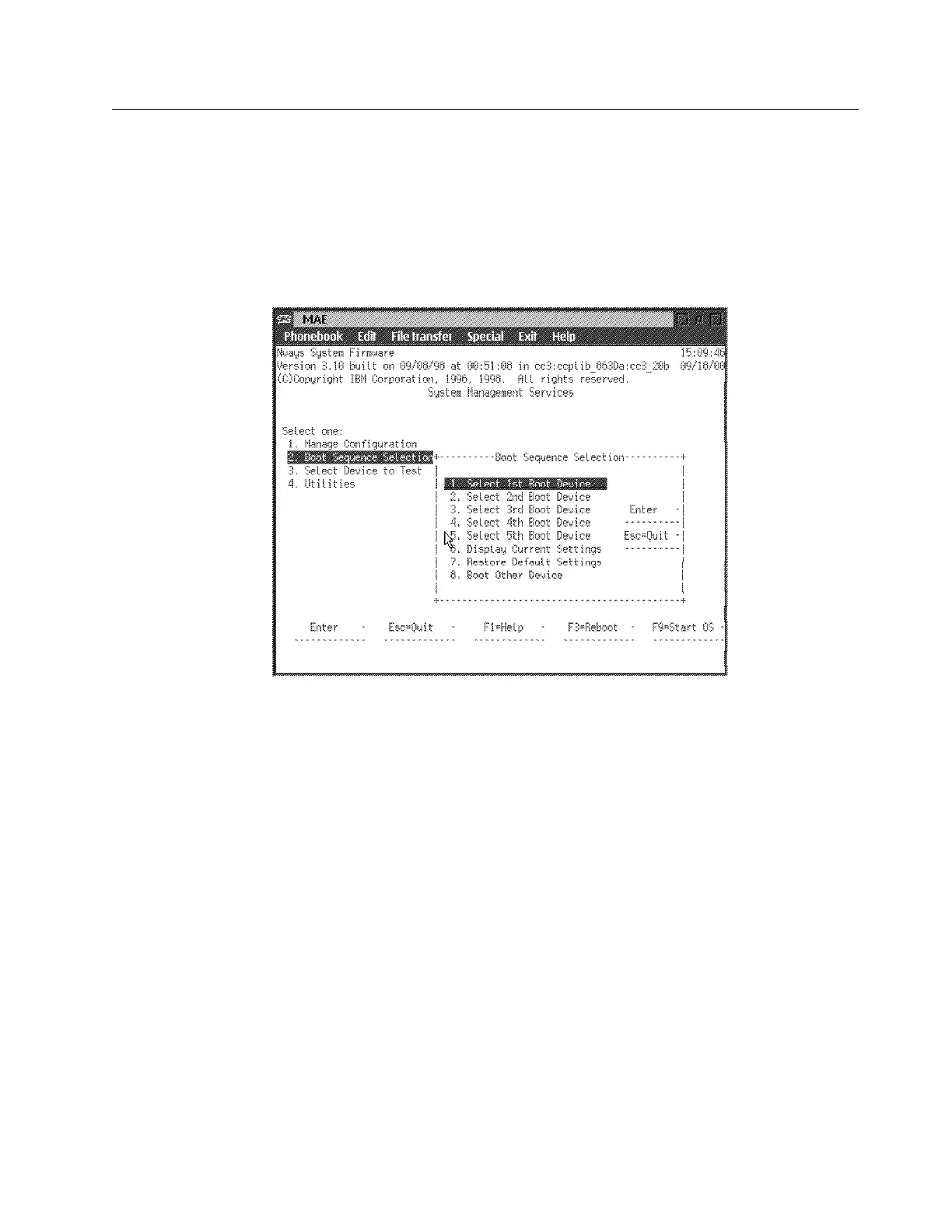
2 The Boot Sequence Selection panel is displayed as shown in Figure 5-3.
Figure 5-3. Boot Sequence Selection
3 Select one of the options (1 through 5) and press Enter. The appropriate
Boot Device Selection panel will be displayed. Default boot devices are:
None
IDE hard drive
Network adapter (IBM PCMCIA Modem)
Network adapter (IBM SLIP, Com 1 Direct)
4 Highlight your choice and press Enter.
5 Repeat step 3 and step 4 to select as many boot devices as you want to
define.
6 Press Esc to exit the boot sequence selection menu.
7 Press F3 to reboot the multiaccess enclosure and make your boot device
change effective.
Note: To restore the defaults, select option 7 before you reboot the
multiaccess enclosure. The default boot device settings will then be restored.
The Current Boot Sequence will be displayed as in Figure 5-4 on page 5-8.
Chapter 5. Multiaccess Enclosure Firmware and Operational Code 5-7


 To Next Page
 Loading...







