Selecting a Device To Test
Extensive hardware tests are performed by the firmware when the multiaccess
enclosure boots up. But there may be times when you have removed and replaced
a failing part and you want to run an individual test before a full bootup or reset.
The firmware allows you to run these individual tests:
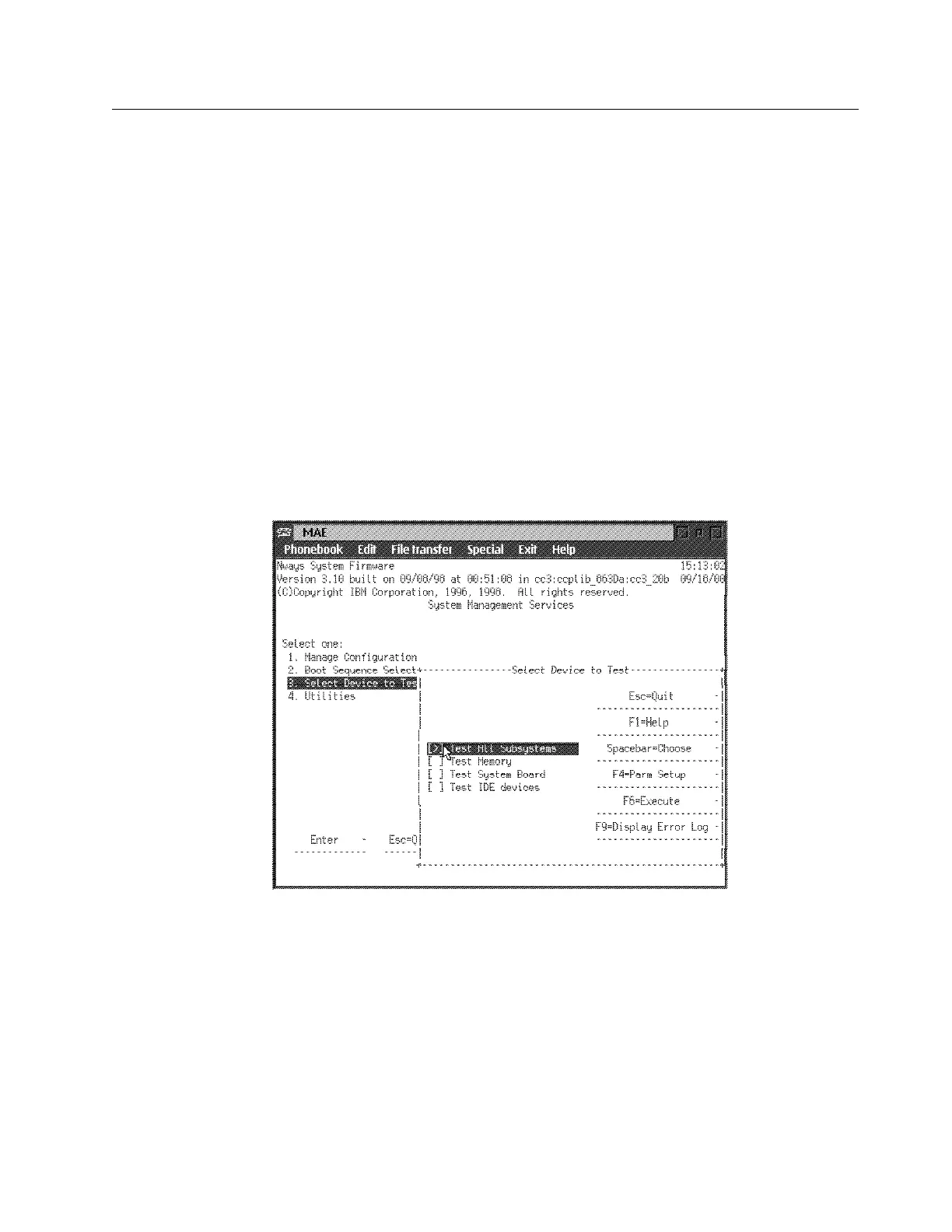
Test All Subsystems: This test runs all the subsystem tests that are listed on
this panel.
Test Memory: This test searches all available memory regions, tests the
regions, and presents a consolidated list of test results.
Test System Board: This tests the PowerPC CPU, the System Board
interrupts, and the PCMCIA controller.
Test IDE devices: This test runs on the IDE devices.
1 Select 3. Select Device to Test from the main menu.
2 The Select Device to Test panel is displayed (Figure 5-5).
Note: The Select Device to Test panel is created dynamically, depending on
what diagnostics have been loaded, but the items shown always appear.
Figure 5-5. Test Selection Panel
3 Use the spacebar and up arrow and down arrow keys to select the test.
4 Press F4 to define additional test parameters.
Note: Errors encountered during diagnostics are logged in the hardware
error log.
5 Press F6 to start a test.
6 After the test is complete, press Esc to return to the main menu panel.
Chapter 5. Multiaccess Enclosure Firmware and Operational Code 5-9


 To Next Page
 Loading...







