Using the Utilities
To use the utilities:
1 Select 4. Utilities from the main menu.
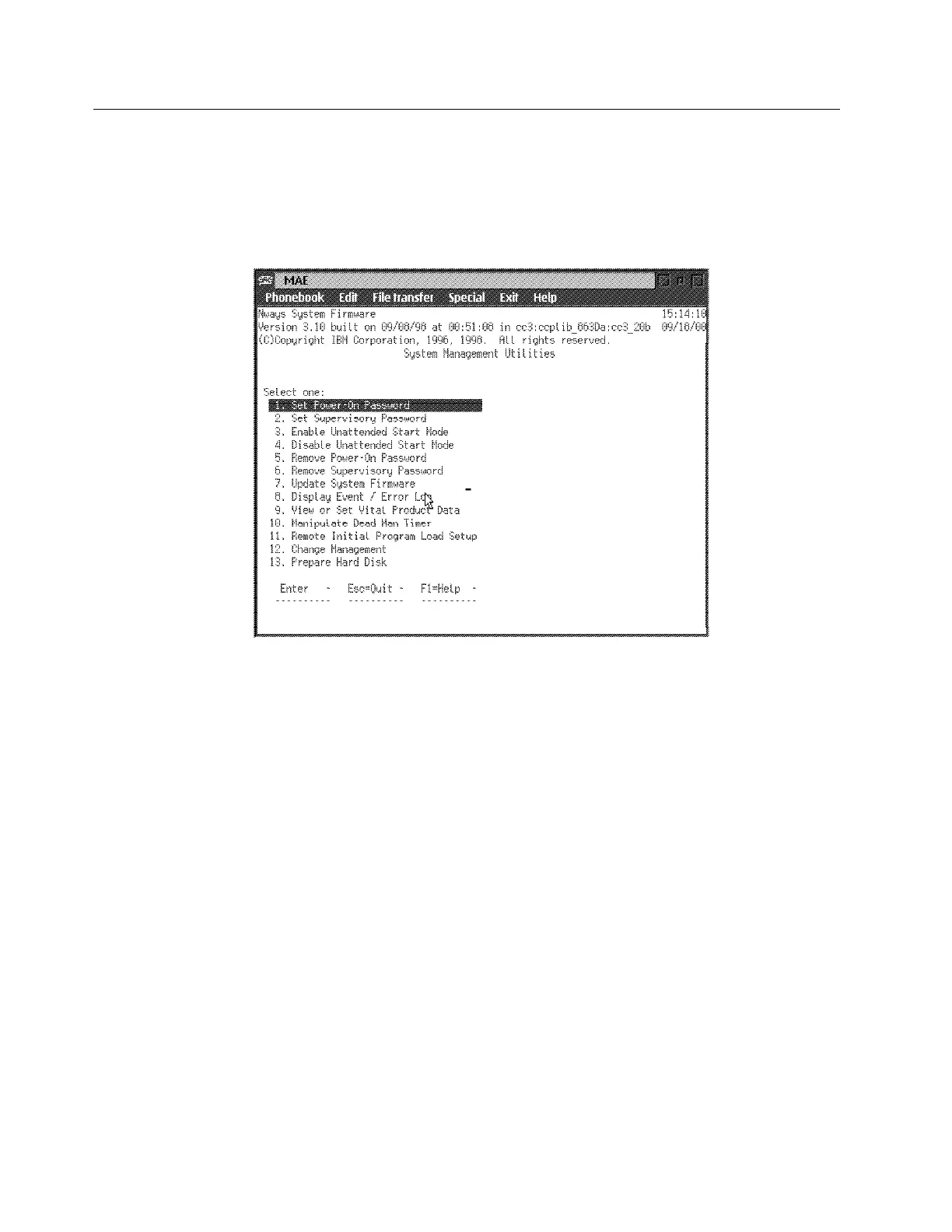
2 A menu listing the available utilities is displayed (Figure 5-6).
Figure 5-6. Utilities Selection Panel
3 Make your selection. You will be prompted for additional information, and
messages are displayed to indicate that the task was performed.
5-10 3746-9X0: MAE Installation and Maintenance


 To Next Page
 Loading...







