Setting the Power-On Password
If a password is set/installed and the multiaccess enclosure is not in unattended
mode, you must set a power-on password before operational code can be loaded in
the multiaccess enclosure. The multiaccess enclosure is initially shipped with a
password of 2216. This utility allows you to set and change the password.
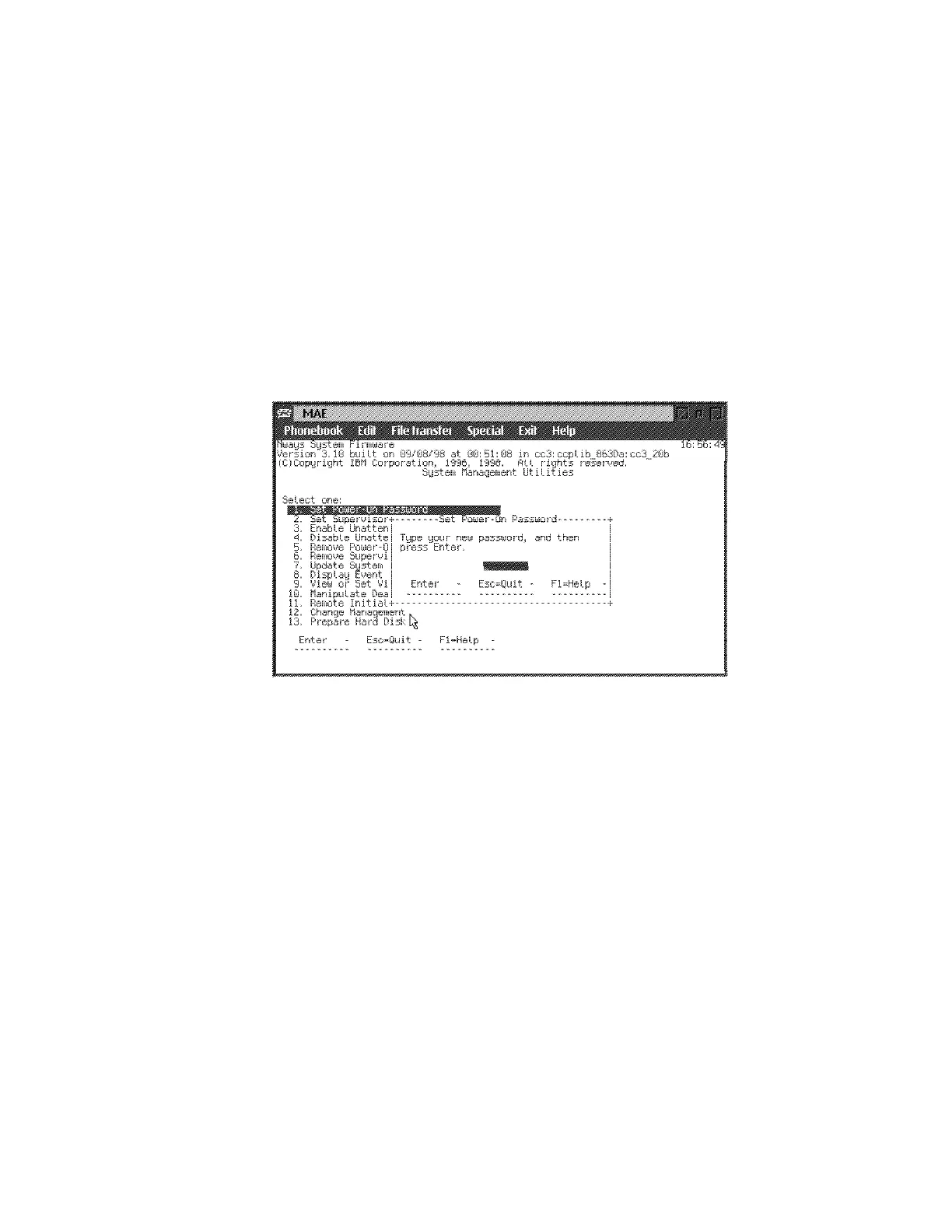
1 Select 1. Set Power-On Password from the utilities panel. The Set
Power-On Password panel is displayed (Figure 5-7).
2 Type your new password and press Enter. You are prompted to enter your
new password again.
Note: The power-on password can consist of from 1 to 8 characters with no
restrictions on which characters can be used.
Figure 5-7. Set Power-On Password Panel
3 Type the password again and press Enter.
4 The Password Saved panel is displayed with the message that your
power-on password has been saved.
Chapter 5. Multiaccess Enclosure Firmware and Operational Code 5-11











 To Next Page