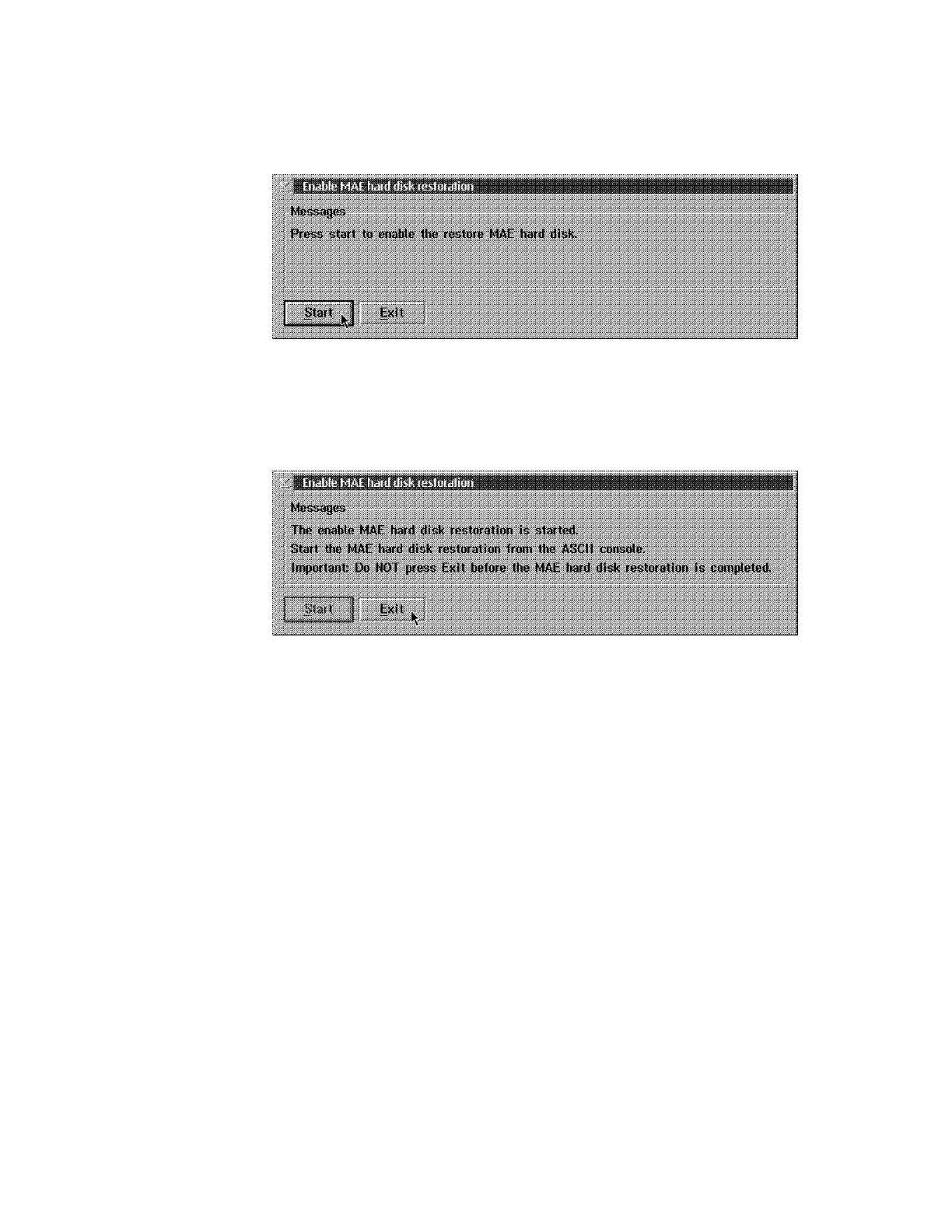
4 The following window is displayed:
.
Press Start.
5 The following window appears:
.
Do not Click on any Function key
6 Return to the System Management Utilities window, select TFTP a Remote
Image file, then press Enter.
Chapter 5. Multiaccess Enclosure Firmware and Operational Code 5-17











 To Next Page