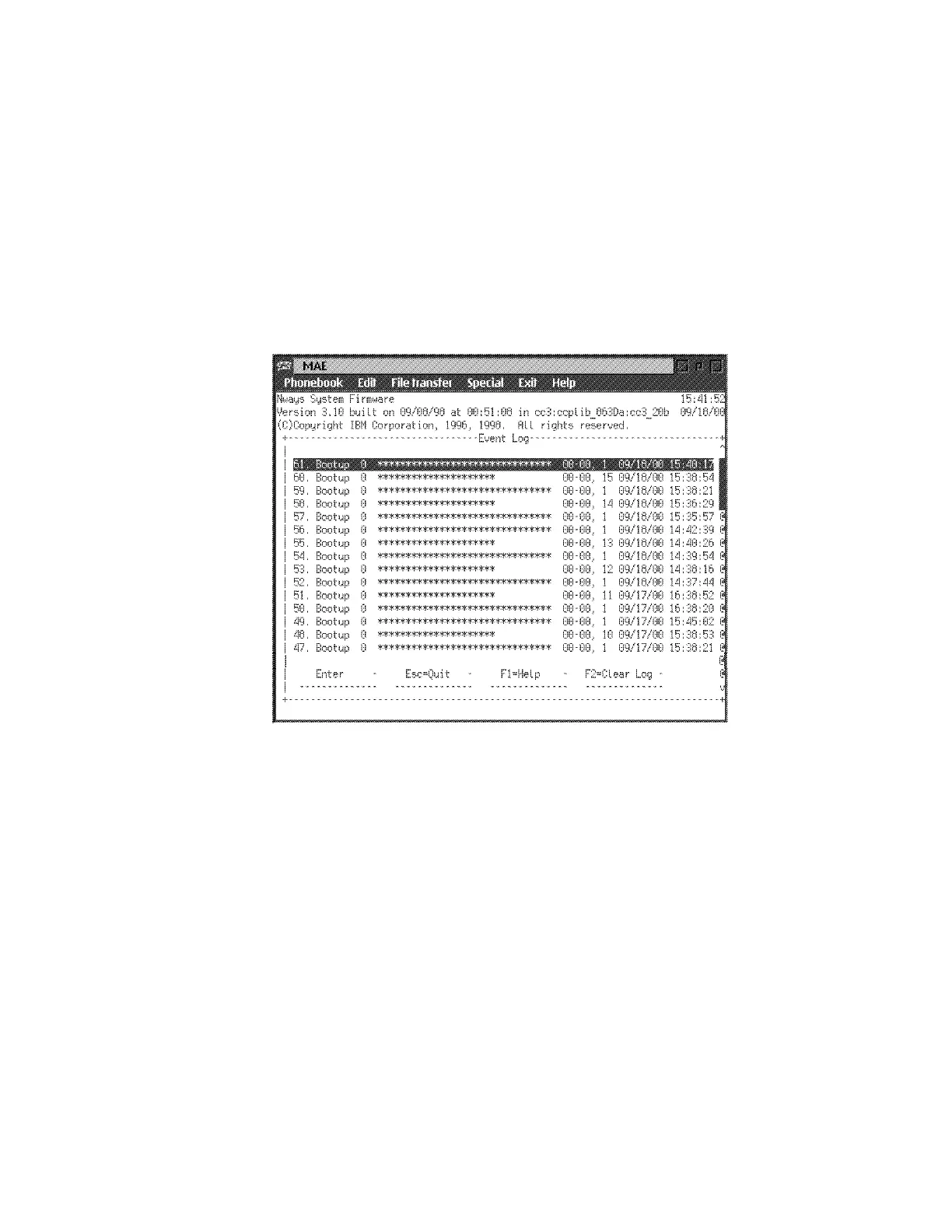
Displaying the Event / Error Log
The error log is resident in NVRAM (not on the hard drive). See Appendix G,
“Hardware Error Codes” on page G-1 to interpret the data that appears in the Error
Code field.
1 Select 8. Display Event / Error Log from the utilities panel, then press
Enter..
2 The Error Log panel is displayed (Figure 5-13). See Appendix G, “Hardware
Error Codes” on page G-1 for and explanation of the data that appears in the
Error Codes field.
Figure 5-13. Example of Error Log Panel
Note: PF7, PF8, and Page down keys can be used to scroll the error log.
Chapter 5. Multiaccess Enclosure Firmware and Operational Code 5-23











 To Next Page