Viewing or Setting Vital Product Data
This utility allows you to view vital product data (VPD) for the multiaccess
enclosure. The system serial number is entered at the factory, but can be changed
on the panel that appears after you select to view or set the VPD.
1 Select 9. View or Set Vital Product Data from the utilities panel, then press
Enter.
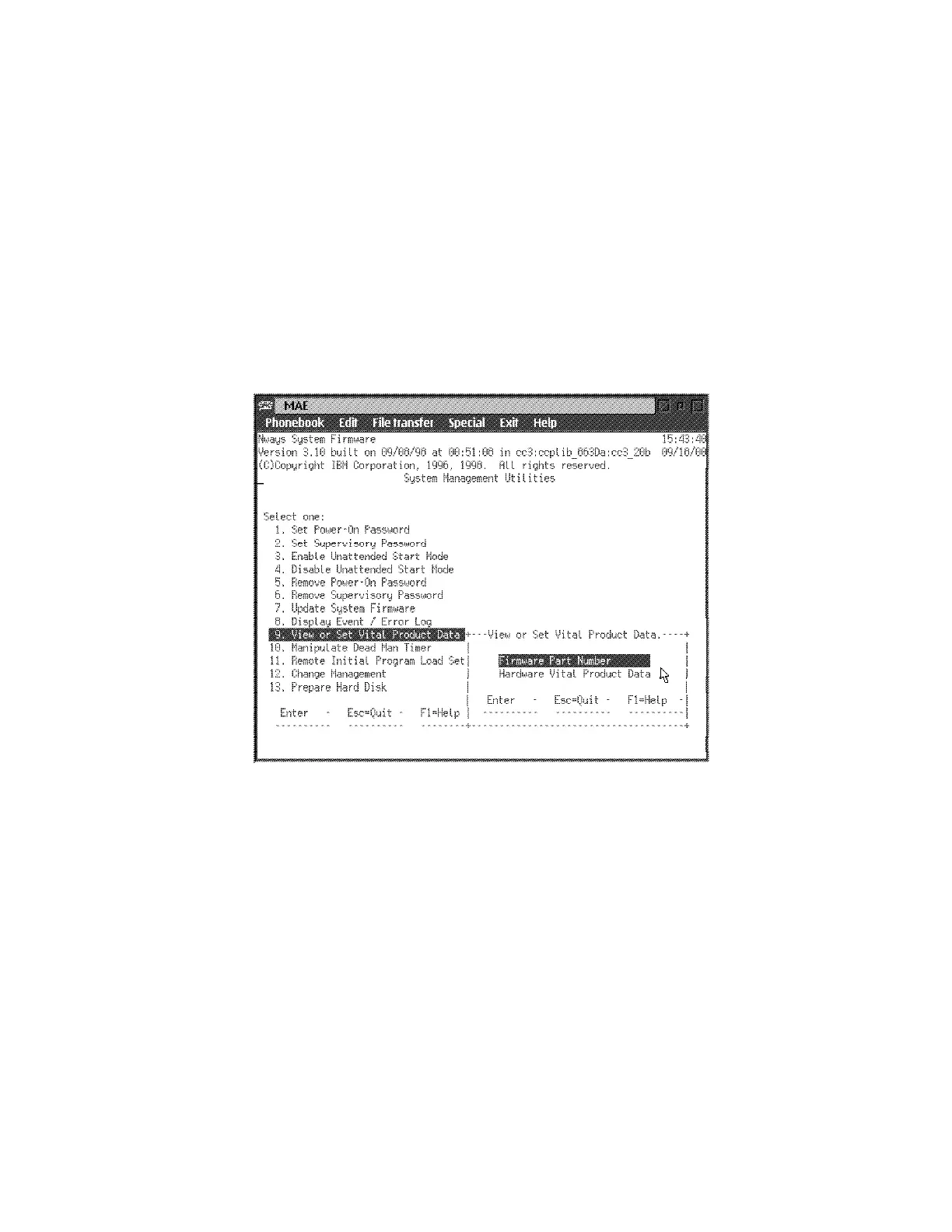
2 The View or Set Vital Product Data panel is displayed (Figure 5-14). From
this panel you can select the type of vital product data you want to view or
set. The system card serial number field is the only field (under the
“Hardware Vital Product Data” menu) that is modifiable; Firmware Part
Number is only viewable.
Figure 5-14. View or Set Vital Product Data Panel
3 For each selection, a View or Set Part Number panel is displayed that
contains the part number you selected. Version number and dates are
provided for the firmware and System Management Services.
4 If you want to view or change vital product data, select Hardware Vital
Product Data.
5-24 3746-9X0: MAE Installation and Maintenance











 To Next Page