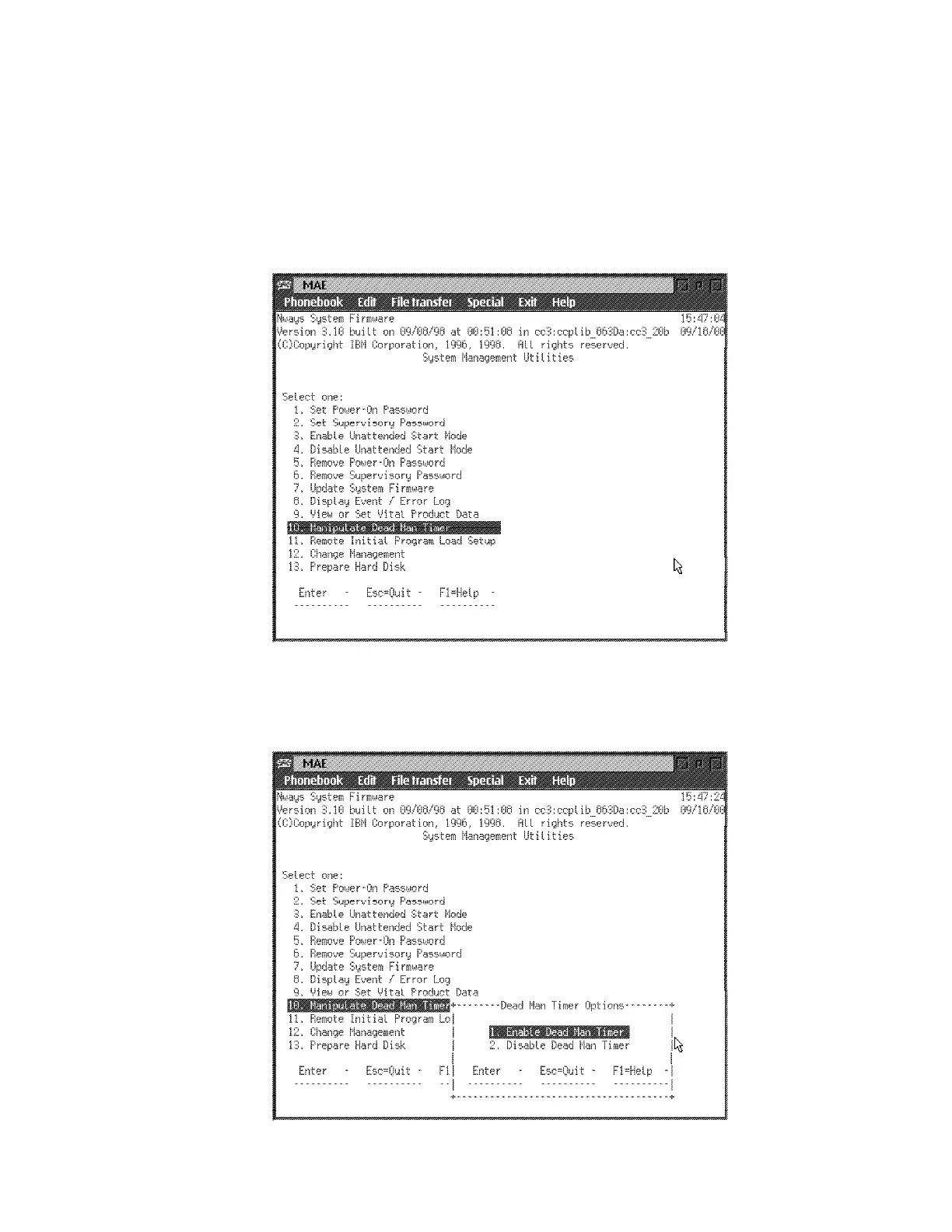
Manipulating the Dead Man Timer
This utility allows you to selectively enable or disable the dead man timer. The
dead man timer has a granularity of 0.25 seconds and expires in 10 seconds. This
tool would be useful in some troubleshooting procedures.
1 Select 10. Manipulate Dead Man Timer from the utilities panel, then press
Enter.
2 A Dead Man Timer Options panel is displayed. From this panel you can
enable or disable the timer.
Figure 5-15. Manipulate Dead Man Timer Panel
Chapter 5. Multiaccess Enclosure Firmware and Operational Code 5-27











 To Next Page