Setting Up Remote Initial Program Load
This utility allows you to load this minimum information to install this device in your
network so that you can send it a configuration file or otherwise communicate with
it. This utility allows you to Ping the multiaccess enclosure, after loading its
minimum network parameters, to see if you can communicate with it.
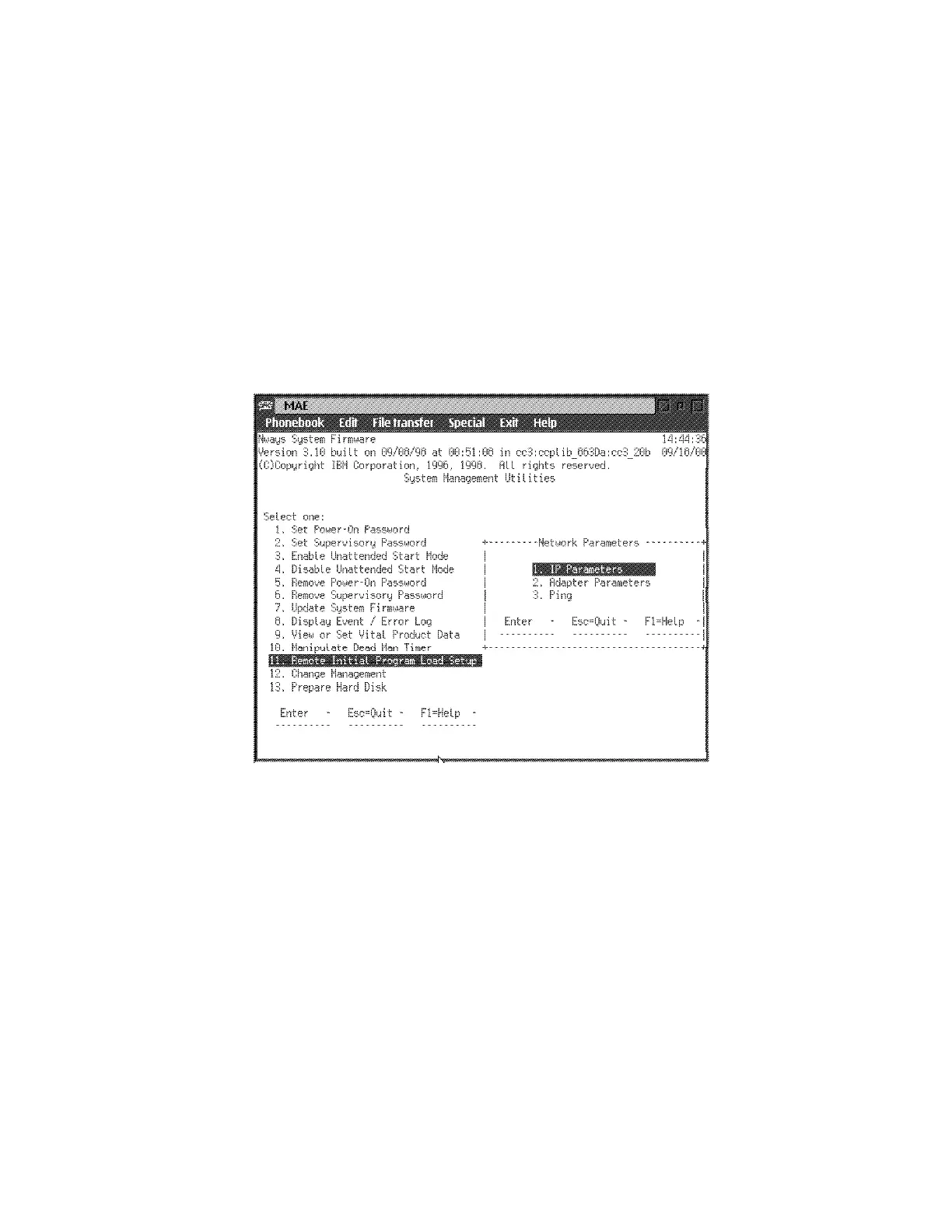
1 Select 11. Remote Initial Program Load Setup from the utilities panel, then
press Enter.
2 The “Network Parameters” panel is displayed (Figure 5-16). From this panel,
you can select to enter the IP address of the multiaccess enclosure and the
host, input PCMCIA adapter parameters, or Ping from the multiaccess
enclosure to the host.
Figure 5-16. Setup Remote Initial Program Load Panel
If you select IP Parameters, a panel will be displayed on which you can
enter:
– Client IP Address (the IP address of the multiaccess enclosure see
note a)
– Server IP Address (Service Processor)
– Gateway IP Address (see note b)
– Subnet Mask
Notes:
a. This is the address of the PCMCIA token-Ring card plugged on the
system card of the MAE.
b. If no gateway, specify the IP address of the service processor.
An multiaccess enclosure comes from the factory with the following
default IP addresses:
Client 111.11.11.11
5-28 3746-9X0: MAE Installation and Maintenance











 To Next Page