Installing Options
INSTALLATION
Safety
Review the Safety Notices and the Safety Inspection Procedures located at the
beginning of the:
3746-950 Service Guide
, SY33-2108, or
3746-900 Service Guide
, SY33-2116.
Details of Installation
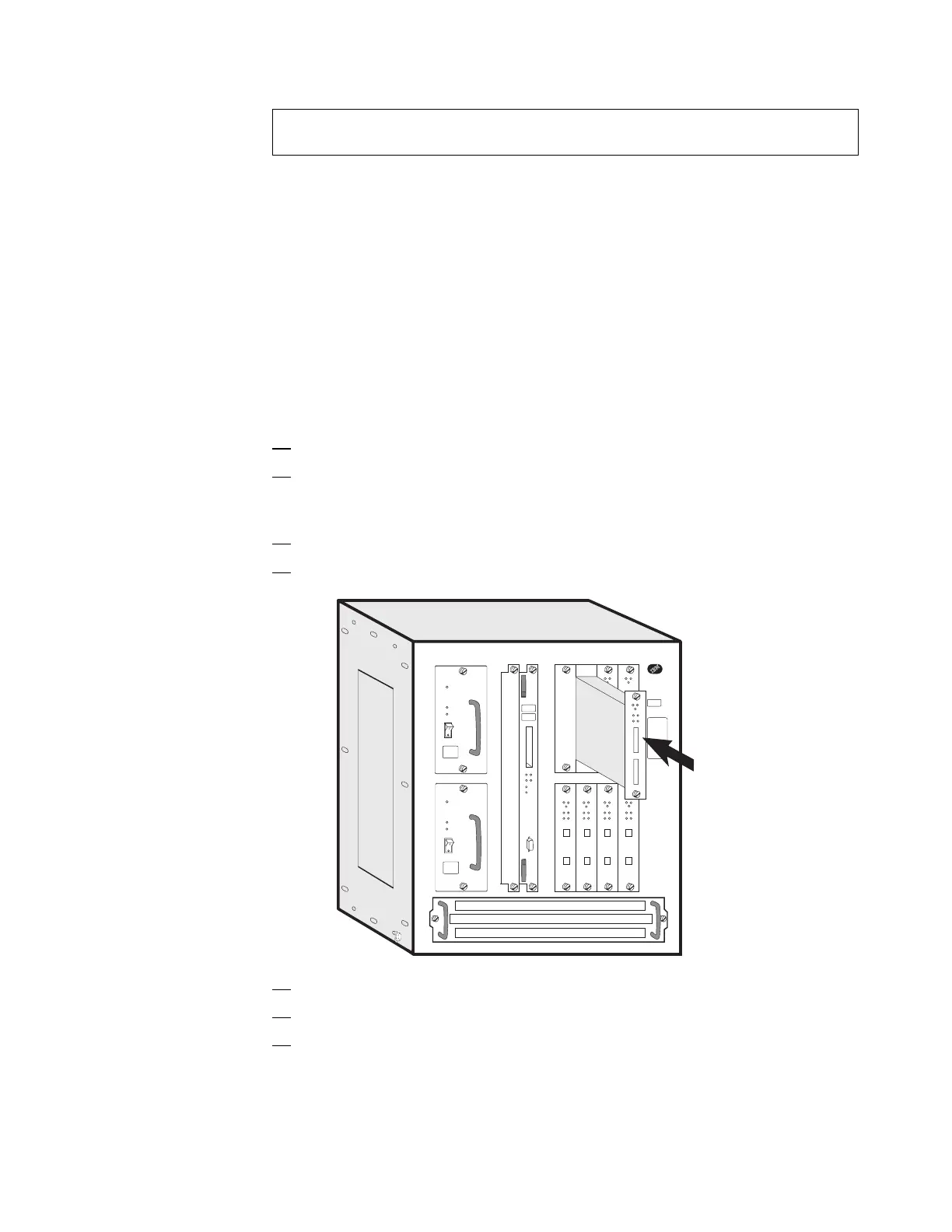
Installing an Adapter
1. Open the front door of the Controller Expansion
2. Using the Hone sheet, the Figure A-1 on page A-1 and refering to
Appendix B, “MAE Adapters Plugging Rules” on page B-1, identify the
location where the adapter has to be installed.
3. Remove the filler plate.
4. Insert the adapter module into the machine.
5. Position the screws, then slide the module into its location.
6. Secure the module by tightening the screws.
7. Check that the green LED of the adapter comes ON and that the Wrong
Slot LED is OFF.
If not, check the adapter installation.
If the problem persists call the Network Support Center.
Otherwise, continue.
Chapter 6. Installing Options 6-9











 To Next Page