Installing Options
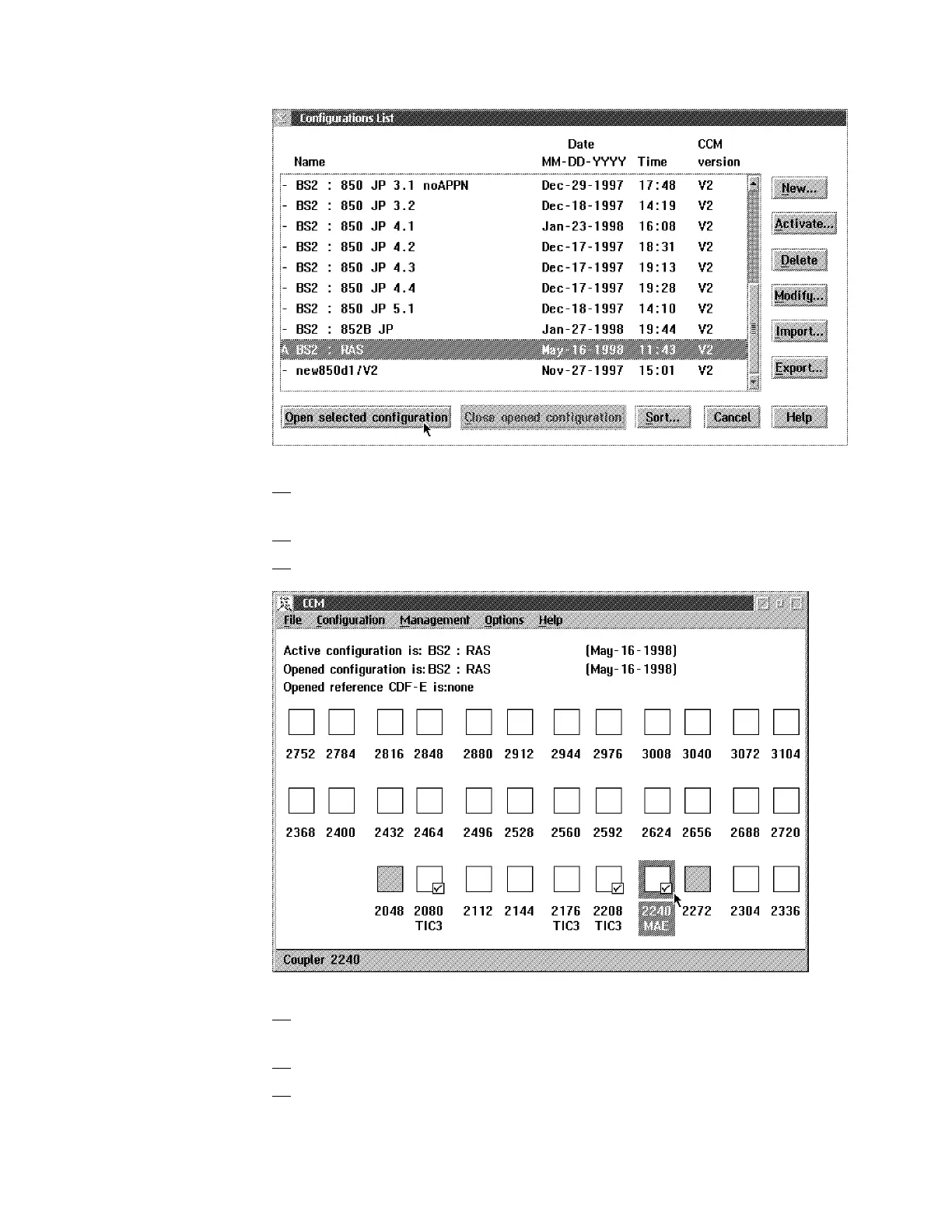
5. Select the name of the configuration that you want to modify, then click on
Open Selected Configuration.
6. A message may appear saying: "MAE configuration is updated".
7. The following window is displayed:
8. Double click on the MAE address range. Wait for the Nothing Selected
window is displayed.
9. Press Ctrl/Esc.
10. The Window List is displayed. Double click on the Navigation
Window.The Navigation Window is displayed.
Chapter 6. Installing Options 6-11











 To Next Page