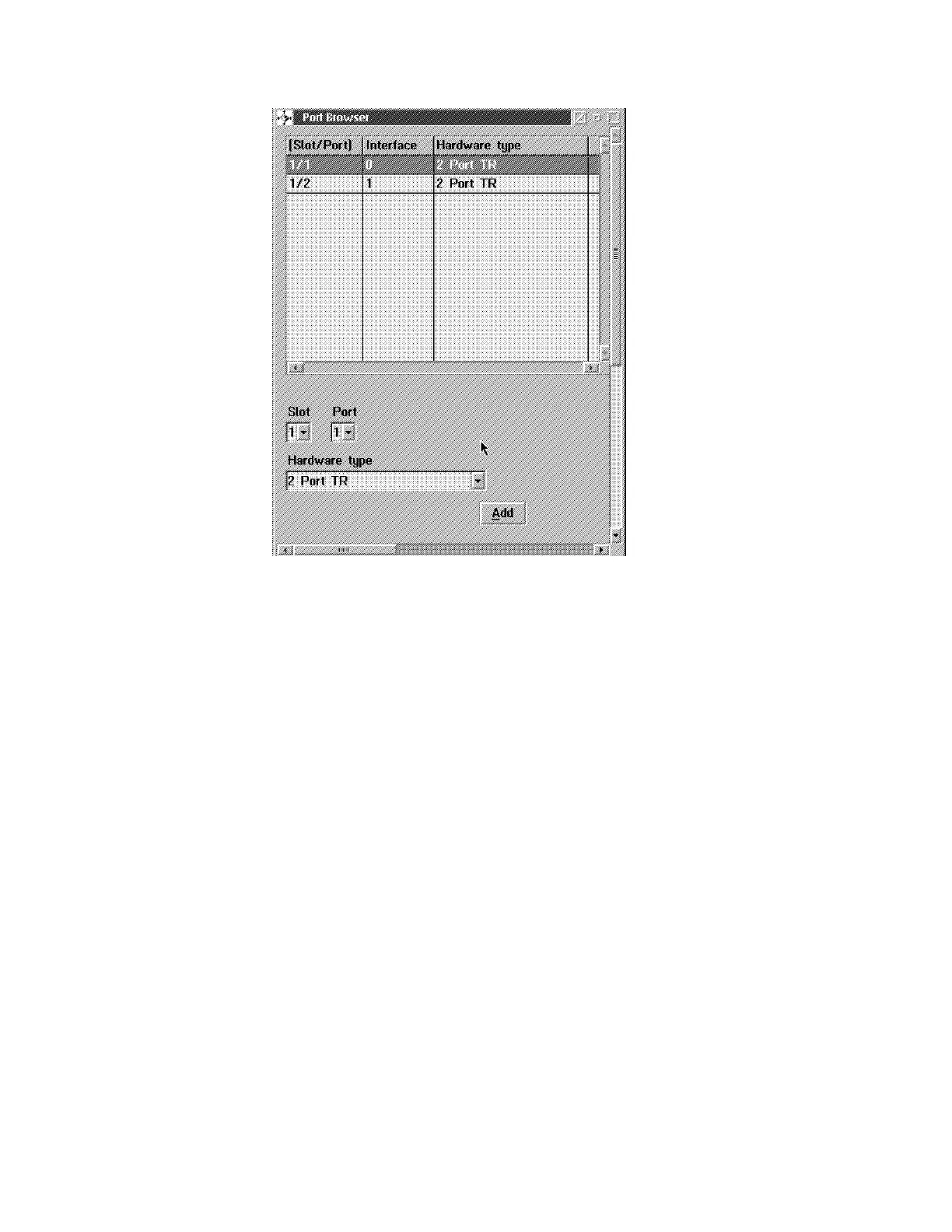
21 Press Ctrl/Esc to return to the Navigation Window.
22 Modify all the other needed options using a similar process. For more details
about configuration refer to the
3745 Communication Controller Models A and
3746 Models 900 and 950: Multiaccess Enclosure Planning
, GA27-4240,
manual.
23 When the needed options have been modified
24 Press Ctrl/Esc to return to the Navigation Window.
25 In Navigation Window Click on Configure to exit MAE and return to 3746
resources. Click on Yes to save the changes.
26 Activate the ressources (refer to “Activate MAE Configuration Via CCM” on
page E-14).
Appendix E. Managing Operational Code and Configuration Files E-13




 To Next Page