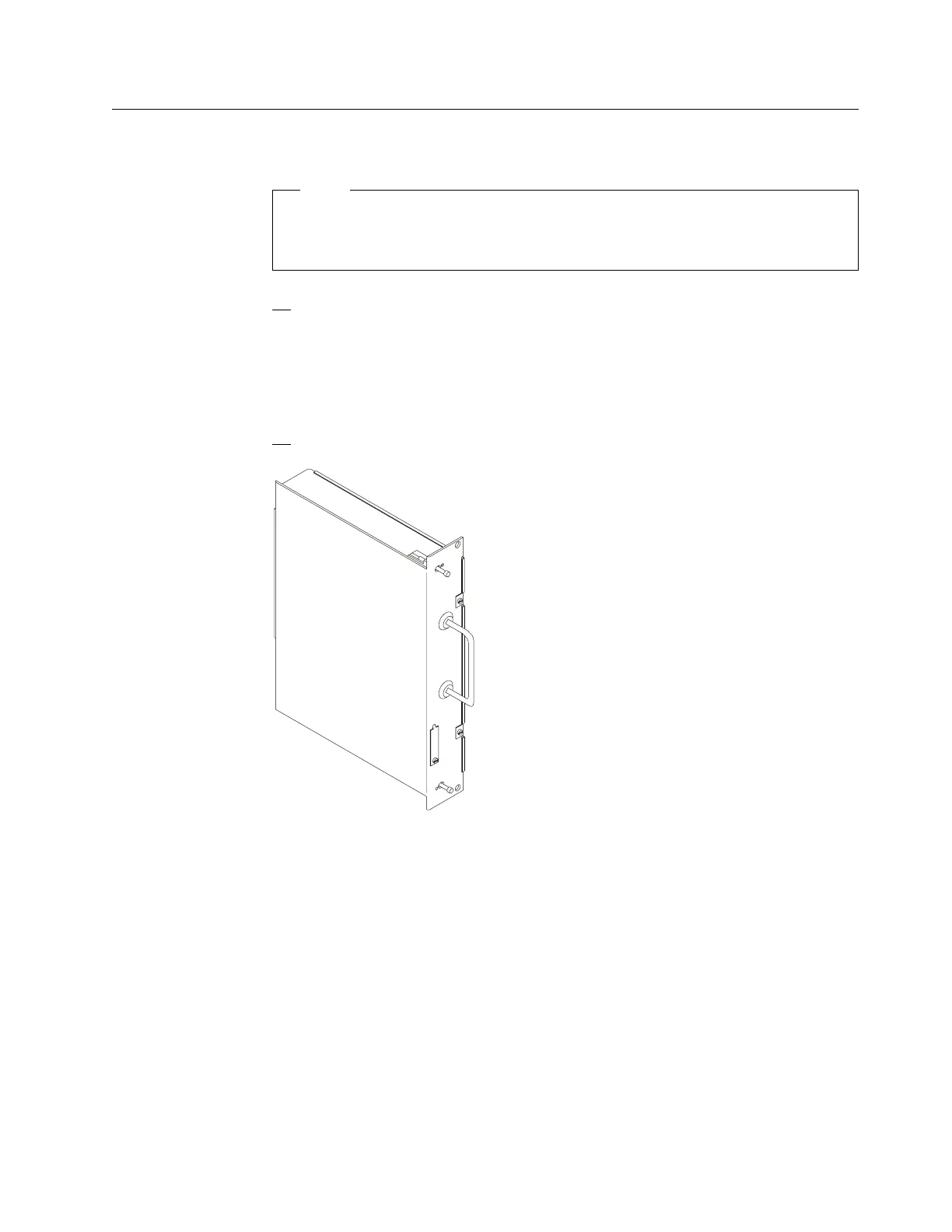
Step 4 - Installing the SIE Cassette in the 3746-9X0
Note
The SIE cassette is hot pluggable but the SIE/SAC cable must be
plugged/unplugged while the MAE is powered OFF.
1. According to the hone sheet received, locate the slot available in the
3746-9X0 to install the SIE cassette.
Note: The SIE can be installed into any slot, 07G-A1-H to P in the basic
enclosure, or 07E(07D)-A1-D to P in the first or second expansion
enclosure. But, when a CLP controls 3 or 4 LICs, the adjacent slot of the
CLP can not be used to plug the SIE card.
2. Remove the dummy cassette from this location and plug the SIE cassette.
Figure 1-17. SIE Cassette
Go to “Step 5 - Connecting the MAE to the 3746-9X0” on page 1-16
Chapter 1. Installing and Setting Up Your MAE 1-15











 To Next Page