5. When you have set receptacle 8, insert the aid into the RI receptacle for
four seconds.
The light should glow brightly while the aid is in the receptacle. If the light
does not come on or goes out while the aid is connected to the receptacle,
the 8228 must be replaced. Notify your network planner or supervisor.
Note: The 8228 Setup Aid is to be used only in setting up the 8228 either
initially or after relocating the 8228. It should never be used when the
network is operating.
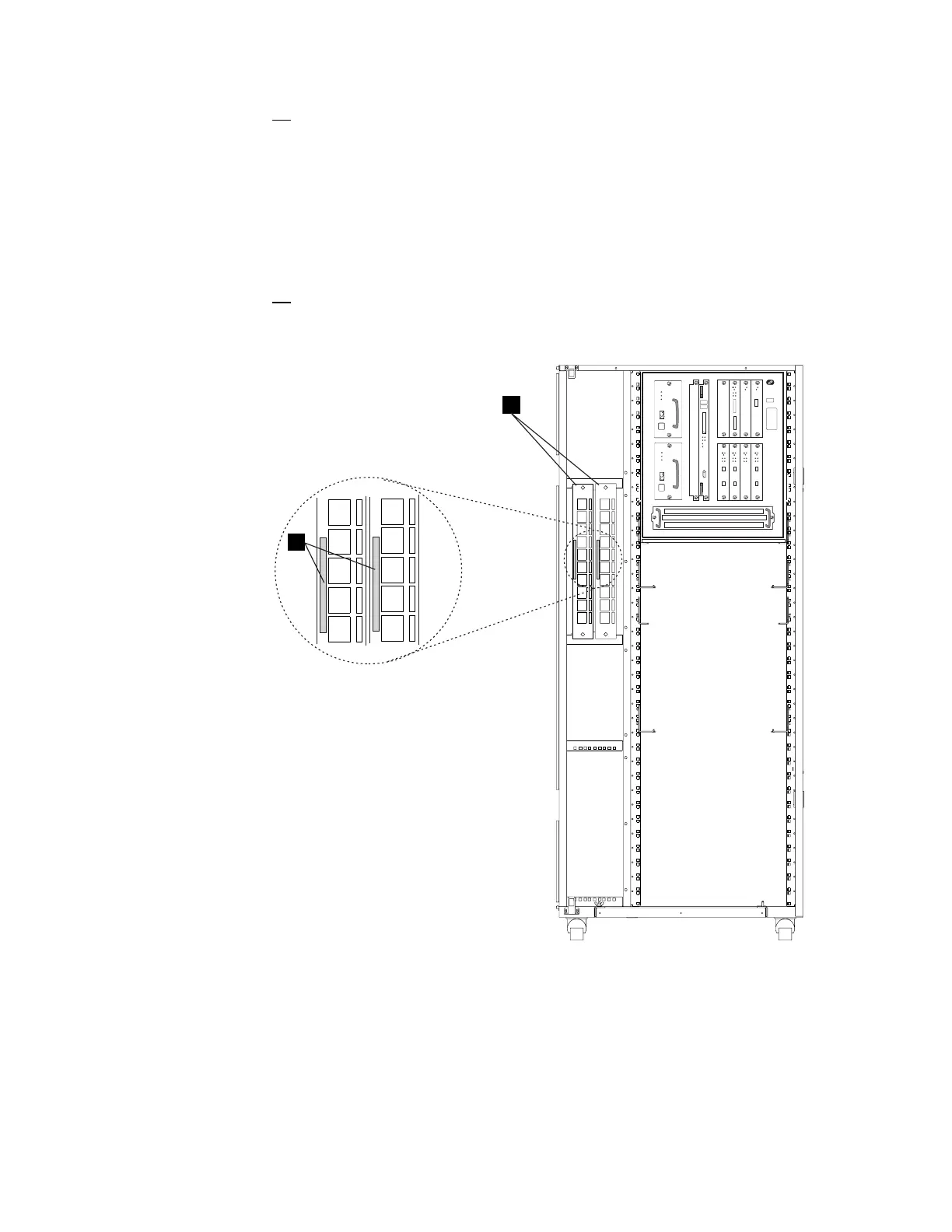
6. Install the 8228s .A/ in the controller expansion using two screws (PN
1621232) and two captive nuts (PN 58G5766) see Figure 1-19. Using
label .B/ (PN 782964), identify the 8228 as MAE Access Unit.
8228
B
A
Front View
✹✹
✹
✹
✹✹
✹
✹
✹
✹
✹
Figure 1-19. Installing the 8228 (Controller Expansion)
Chapter 1. Installing and Setting Up Your MAE 1-17











 To Next Page