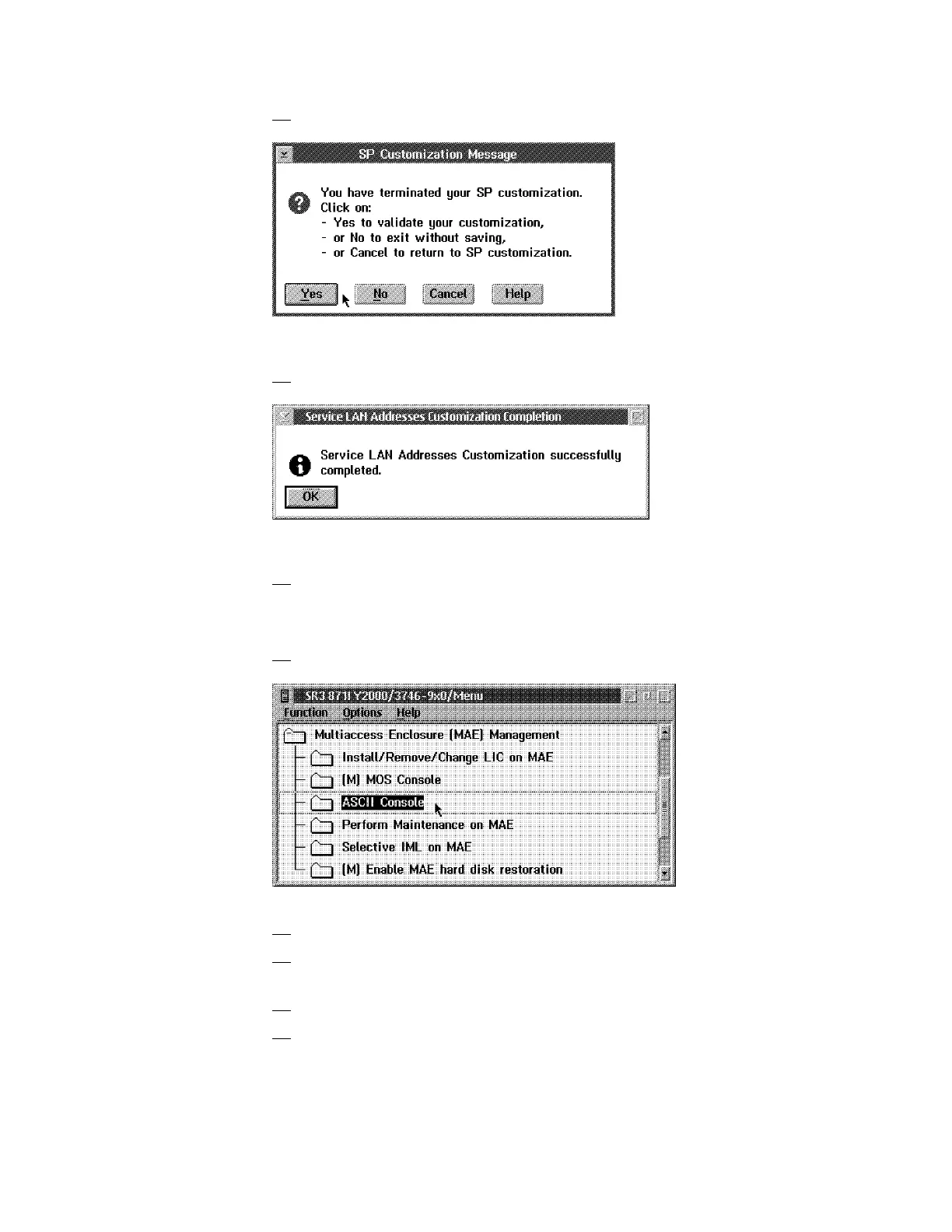
16. Click on Yes to record your parameters.
Figure 1-27. SP Customization Message
17. When completed, click on OK.
Figure 1-28. SP Customization Completed
18. The MAE code is now being installed (it takes about 10 mn), when
completed click on Close.
Note: Verify that the MAE link icon is green.
19. Now double click on ASCII Console.
20. Press the Reset button on the MAE.
21. Several windows are displayed during tests. Wait until the Boot
Information window is displayed.
22. Press F1 when prompted (to prematurely terminate boot).
23. Enter the Multiaccess Enclosure supervisory password when required:
2216.
Chapter 1. Installing and Setting Up Your MAE 1-25











 To Next Page