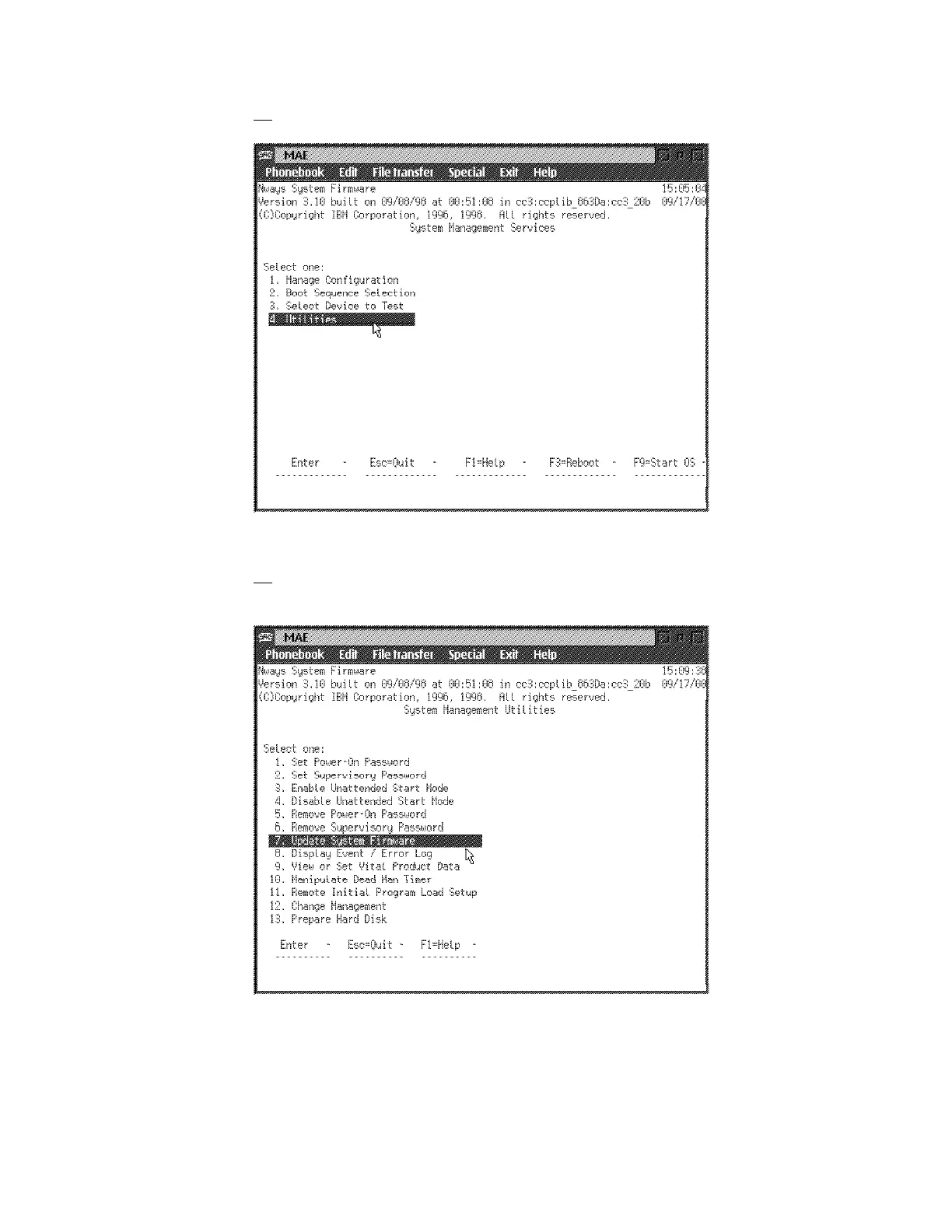
24. On the System Management Services window, select option 4 - Utilities
Figure 1-29. MAE
25. Select 7. Update System Firmware from the utilities panel, the System
Firmware Update panel is displayed:
Figure 1-30. MAE
Attention: Do not power off the multiaccess enclosure during the process
of updating the firmware. If the update fails, the multiaccess enclosure will
boot a backup firmware image. If this happens, repeat the update
procedure to reload the onboard firmware image.
1-26 3746-9X0: MAE Installation and Maintenance











 To Next Page