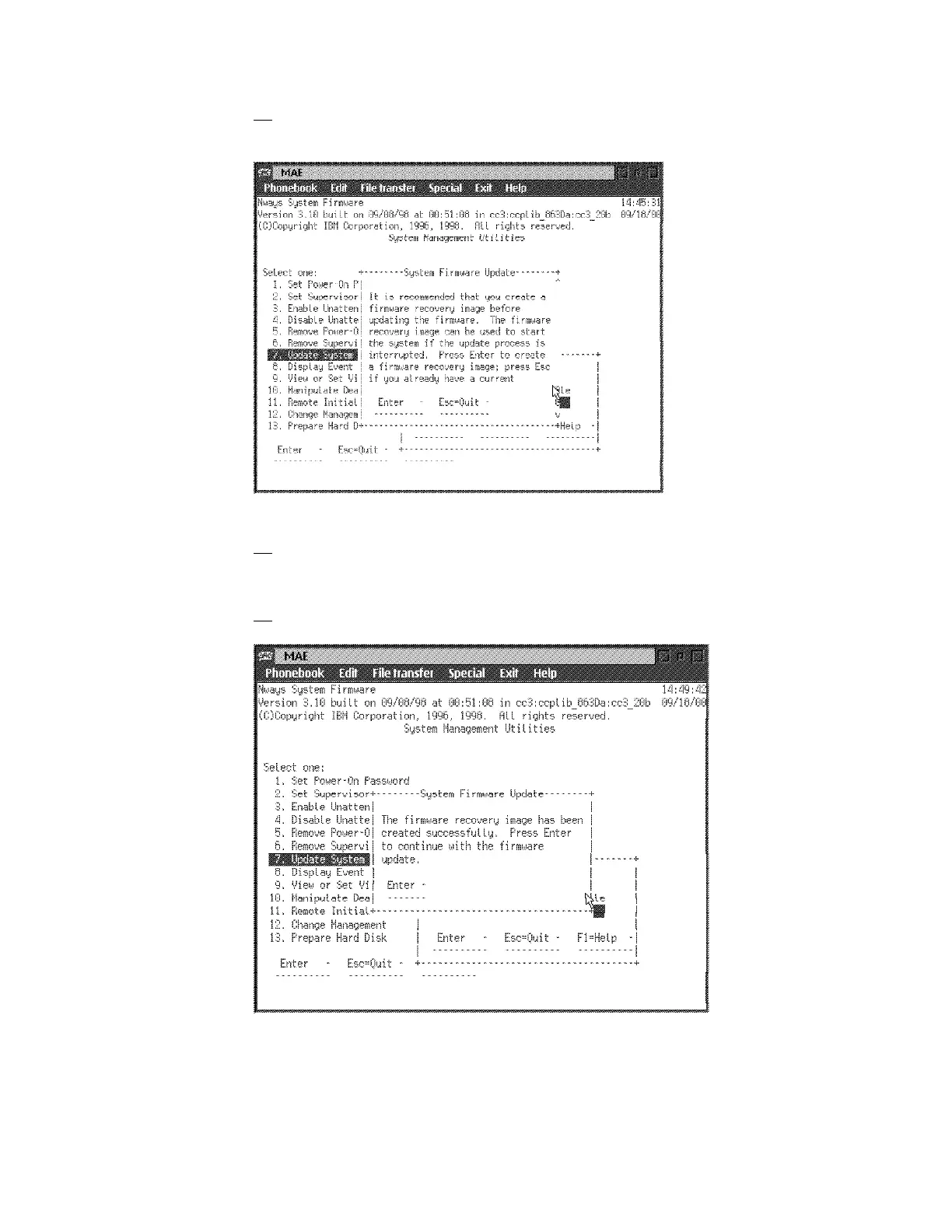
28. On confirmation window, press Y, when the following window is displayed,
press Enter.
29. If on the System Firmware Update window it is mentionned that you have
the same level of system firmware, press Enter, then Escape, the go to
Step 34 on page 1-29. Otherwise continue with the following Step.
30. When recovery image has been done, press Enter.
1-28 3746-9X0: MAE Installation and Maintenance











 To Next Page