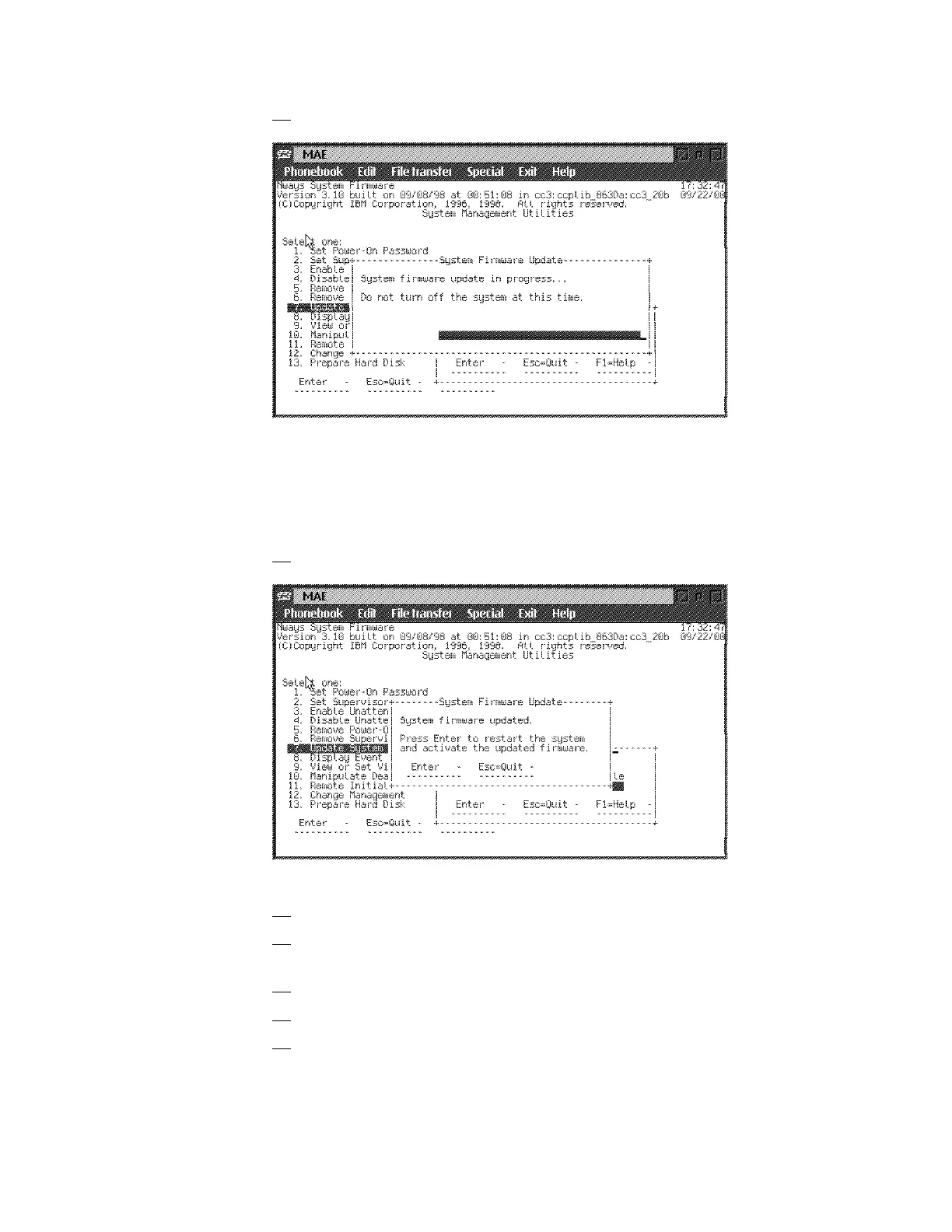
31. Several windows are displayed followed by:
Note: Do not switch the system off. The process erases the old firmware
and copies the new firmware into flash memory. If the machine is powered
off before the process is complete, you will need to reload the firmware
from the recovery image.
32. A completed message appears when the firmware is updated.
33. Press Enter to restart the system.
34. Perform a general IML, on the MOSS-E View screen, double click on the
3746-9x0 icon.
35. On the 3746-9x0 Menu screen, click on Operation Management.
36. Double click on Perform a General IML; Then click on Yes button
37. On the Perform a General IML window, click on No to start an IML without
diagnostics.
Chapter 1. Installing and Setting Up Your MAE 1-29











 To Next Page