3. ____ Double click on the Service Processor icon.
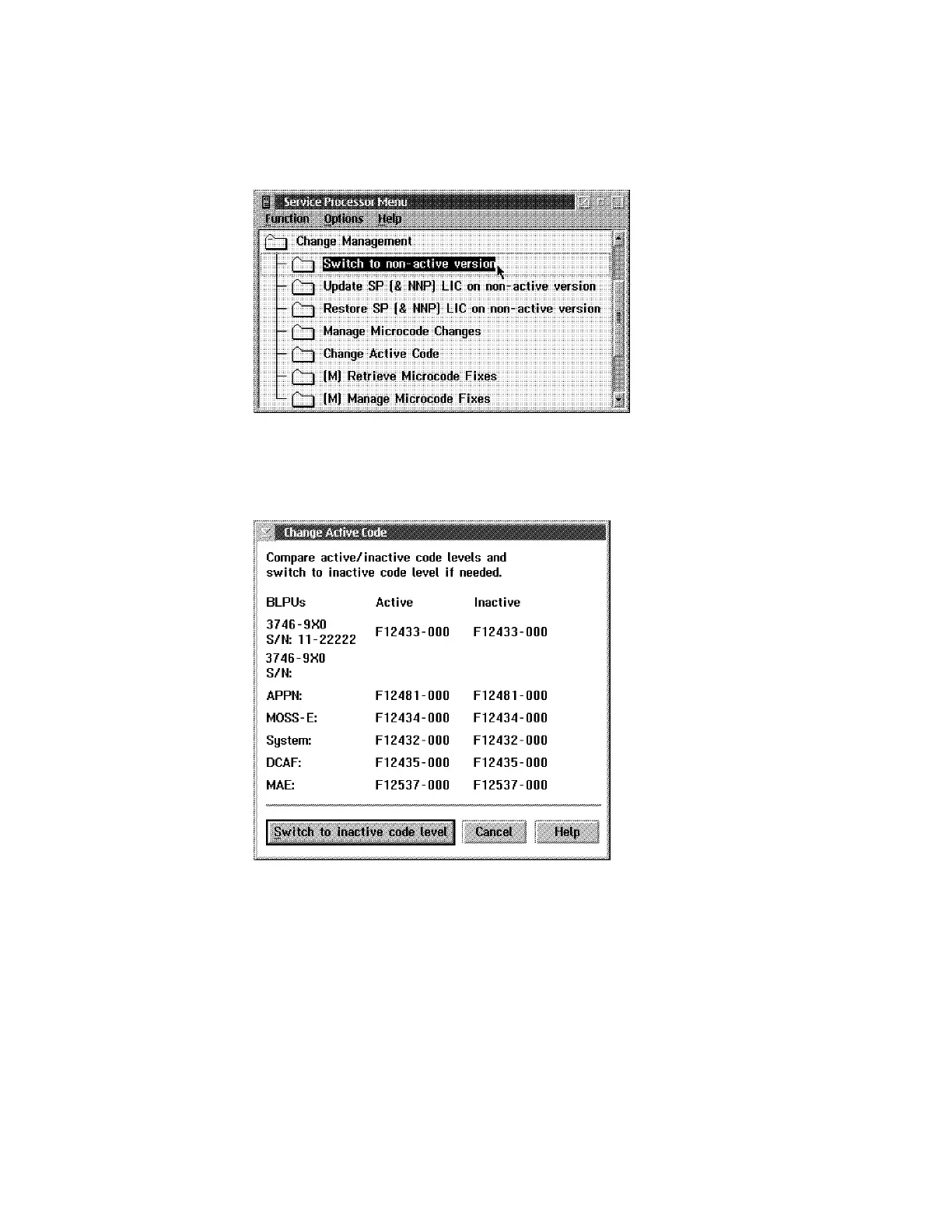
4. ____ Click on Change Management, double click on Switch to non-active
version,
Figure 2-4. SP Change Management
5. ____ The level of the active and non-active version of the MAE LIC is now
displayed.
Figure 2-5. Active / Non-active Version
6. ____ Click on Cancel to return.
2-4 3746-9X0: MAE Installation and Maintenance











 To Next Page