MAP 0300 (continued)
Are all LEDs OK?
Yes No
002
Go to Step 004
003
The multiaccess enclosure should be functioning. Go to “CE Leaving Procedure” on
page 5-60.
004
On the following table select the symptom that fits your situation.
005
(Step 005 continues)
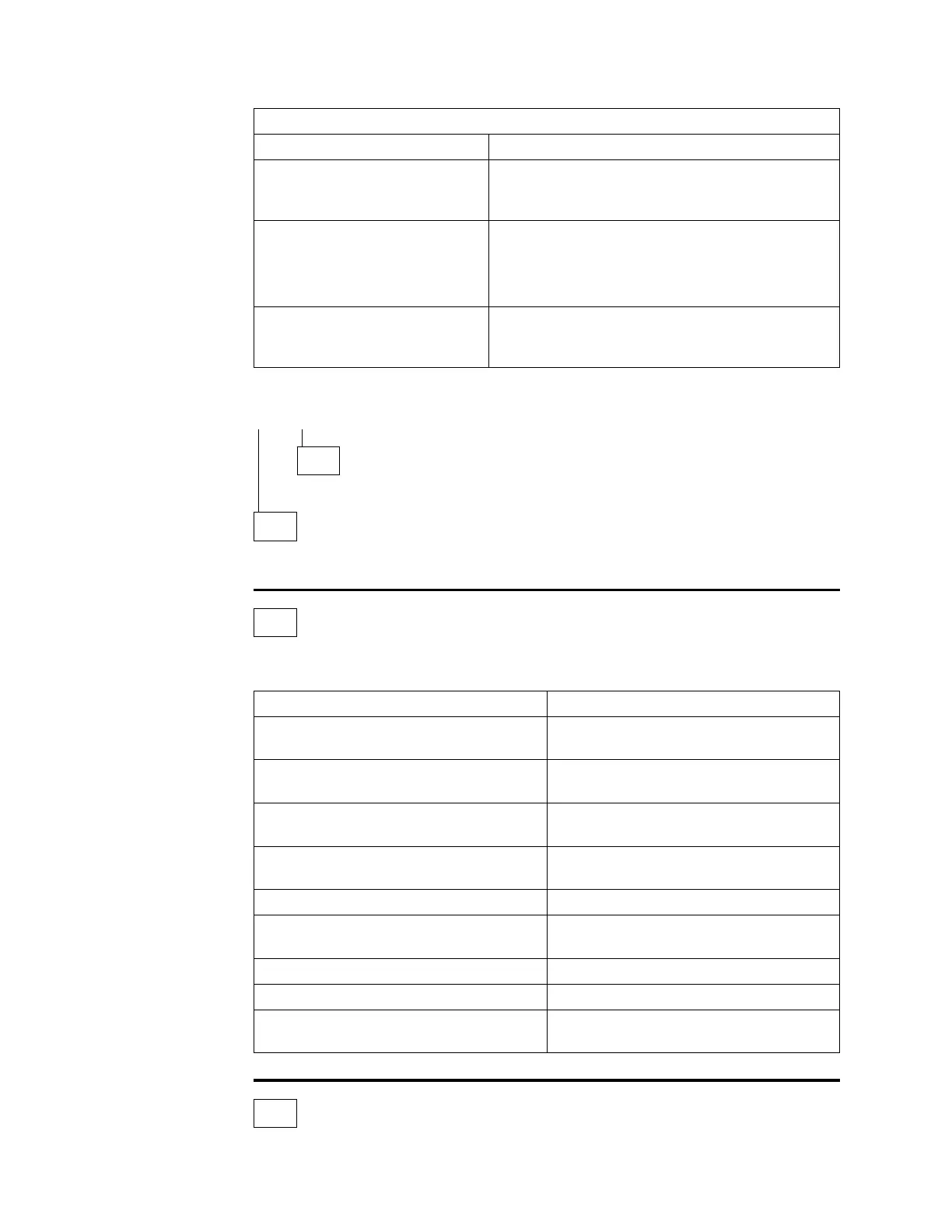
Table 3-2. Network Management Console Messages
Message Comments
Fan motor speed Replace the fan assembly. See Chapter 4,
“Multiaccess Enclosure FRU Exchange” on
page 4-1.
multiaccess enclosure is
overheating
Check for:
Room air conditioning
Obstruction of airflow
Fan motor problem
Memory error with DIMM slot
y
Replace the system card. See Chapter 4,
“Multiaccess Enclosure FRU Exchange” on
page 4-1.
LED Status Action
ac indicator LED on a power supply is
OFF.
Step 034 on page 3-12
dc indicator LED on a power supply is
OFF and the ac indicator is ON.
Step 005 on page 3-9
Overcurrent Indicator LED on power
supply is ON.
Step 008 on page 3-9
Adapter yellow fault indicator LED is
ON (adapter is failing).
Step 015 on page 3-10
Adapter Yellow Wrong Slot LED is ON. Step 018 on page 3-10
I/O port Yellow indicator is ON or
BLINKING.
Step 021 on page 3-10
Yellow indicator on system card is ON Step 024 on page 3-11
Yellow indicator on SAC card is ON Step 029 on page 3-11
PCMCIA yellow indicator on system card
is ON
Step 025 on page 3-11
3-8 3746-9X0: MAE Installation and Maintenance











 To Next Page