a. Locate the system control unit for the system being serviced.
b. Validate which system nodes are connected to the system control unit by visually tracing /
checking the clock cables.
c. Connect the power supply cables to each power supply of each affected system node from which
they were previously removed.
24. Install front bezel
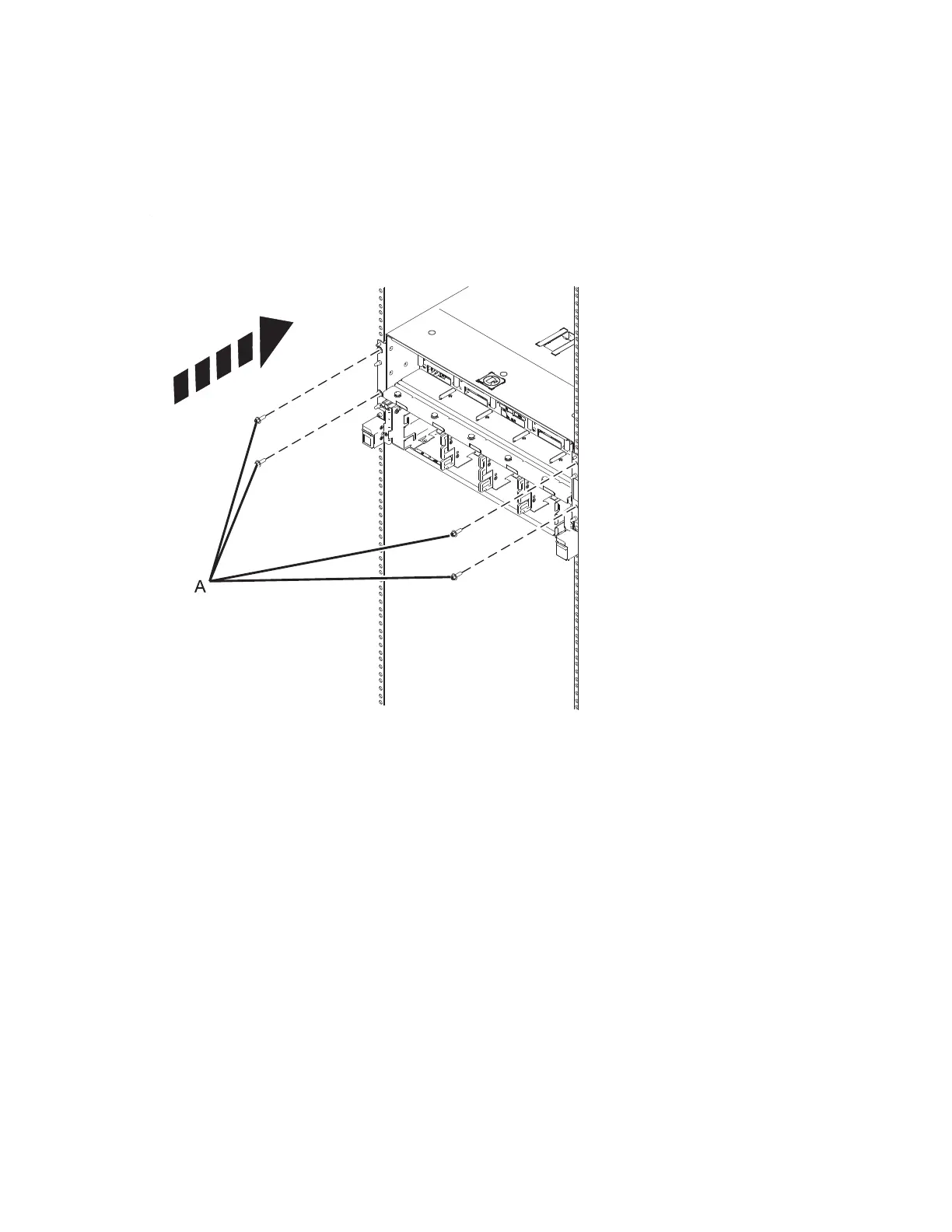
a. If removed earlier, install the 4 retention screws (A) at the front of the system.
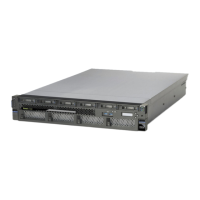
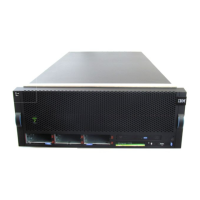
b. Install the front bezel on the system node being serviced and all system nodes which share the
same system control unit with the system node being serviced.(A).
46 Power Systems: SCM



 To Next Page