6
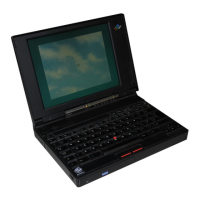
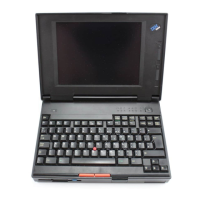
Open the liquid crystal display.
a) Press the liquid crystal display (LCD) latches
1 and open the LCD 2 .
b) Position the LCD so that it is convenient for
viewing. The LCD opens up to 135°.
Attention
Do not force the LCD to open flat.
2
1
1
7
Turn the power on.
a) Push and release the power switch to turn the
computer 1 on. The power switch
automatically snaps back to its original position.
b) Adjust the brightness (for a TFT display model)
and the contrast (for an HPA display model) of
the display with the brightness control or the
contrast control 2 .
1
2
TFT
HPA
Setting Up Your Computer 7


 To Next Page
 Loading...