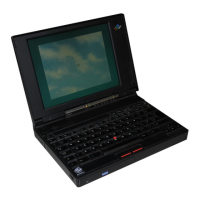
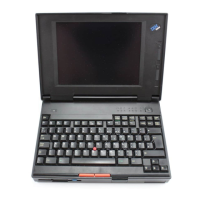
You can identify the hardware features on your computer here.
Front View
Keyboard
Stereo Speakers
Fn key
CD-ROM drive
CD-ROM drive in-use indicator
Infrared port
Fan louver
CD-ROM eject button
CD-ROM emergency eject hole
Diskette eject button
Diskette drive
Indicator panel
Built-in microphone
Subwoofer
LCD latches
Color LCD screen
Brightness control
(for a TFT display model)
or
Contrast control
(for an HPA display model)
TrackPoint III
Palm rest
Getting More Information 21


 To Next Page
 Loading...