11
6.2 setting the timer
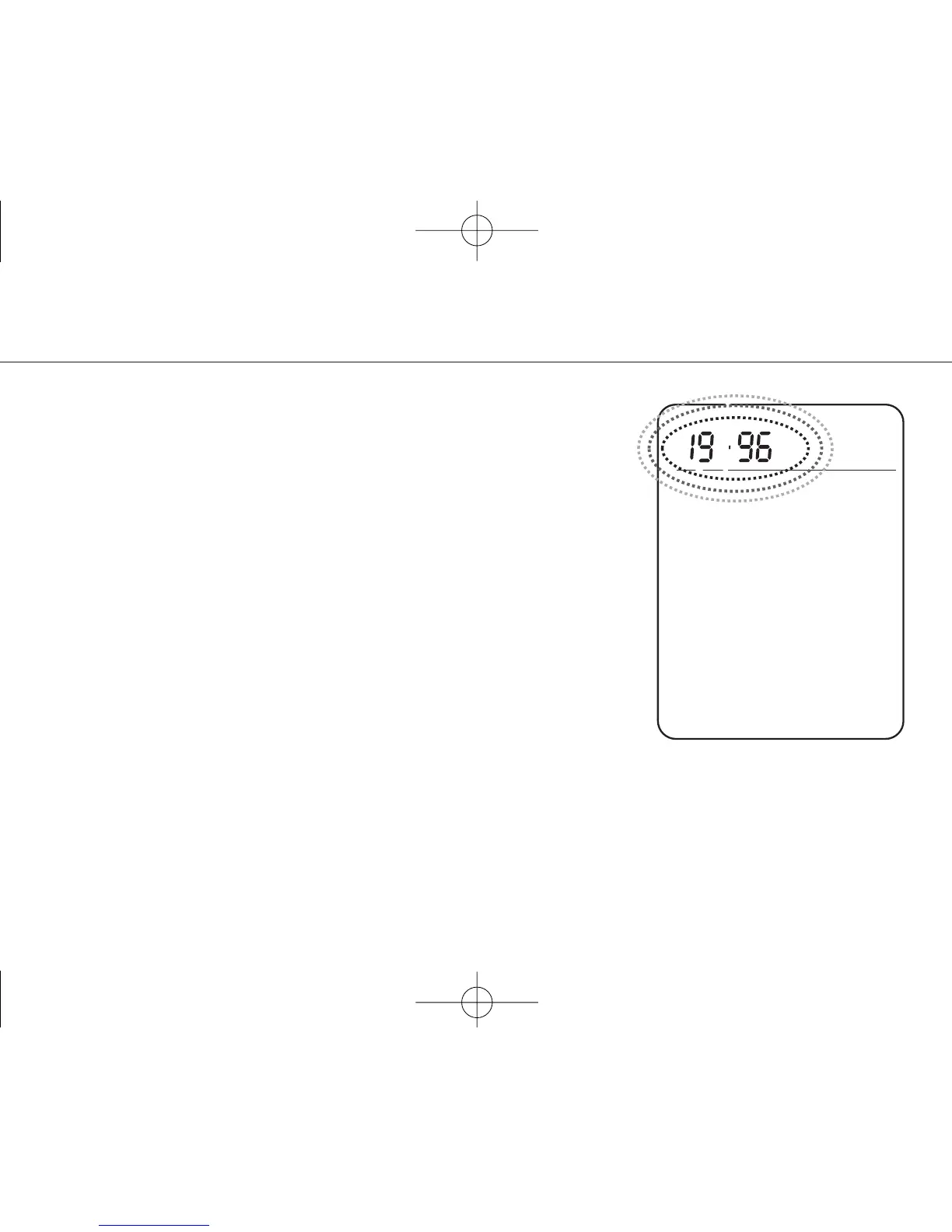
To enter the timer mode, press the TIMER key longer
than 3 seconds and release it. The year number flashes.
To increment the flashing digit, press the MEMO/+ key;
to decrement, press the RCAL/- key.
Press the TIMER key. The month flashes.
Set the month as described above.
Press the TIMER key. The day flashes.
Set the day as described above.
Press the TIMER key. The hour flashes.
Set the hour as described above.
Press the TIMER key. The minute flashes.
Set the minute as described above.
To leave the Timer mode, press the TIMER key again.
Note: If no key is pressed for 10 seconds, the next digit starts flashing. The unit will enter the
standard mode after running through all digits.
before using the device 6



 To Next Page