12
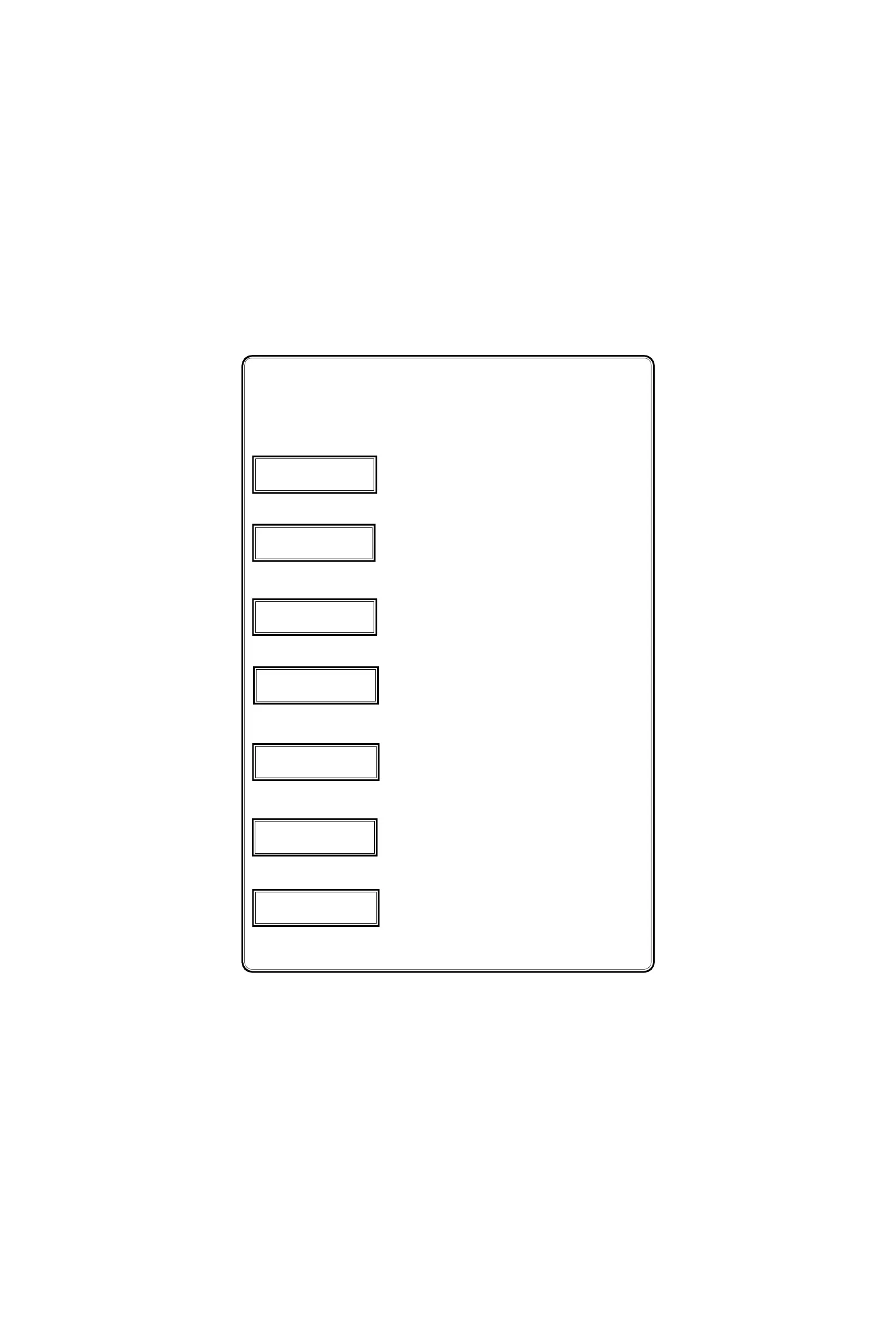
The configuration Items can be selected by pressing the Index
(#) key. Top row in displays are used to differentiate the various
configuration items. The displays for various configuration item are given
below,
Password to prevent unauthorised persons
entry
(Range : 0000 - 9999)
Primary Voltage setting
(Range :415VAC for LT &
0 - 330000VAC for HT)
Secondary Voltage setting
(415V for LT & 110V for
HT meters)
Primary current setting
(0000 - 9999)A AC
Secondary current setting
(1/ 5 )A AC
Wiring system
(4 wire / 3 wire)
Device address
(Range : 001 - 255)
NEW PASS WORD
0 0 0 0
SECONDRY CURRENT
5 A
DEVICE ADDRESS
0 0 1
Press # Key
Press # Key
Press # Key
SECONDARY VOLT
1 1 0V
PRIMARY CURRENT
0 1 0 0
Press # Key
Press # Key
WIRING TYPE
4 W I R E
Press # Key
PRIMARY VOLT
0 1 1 0 0 0
Press # Key



 To Next Page