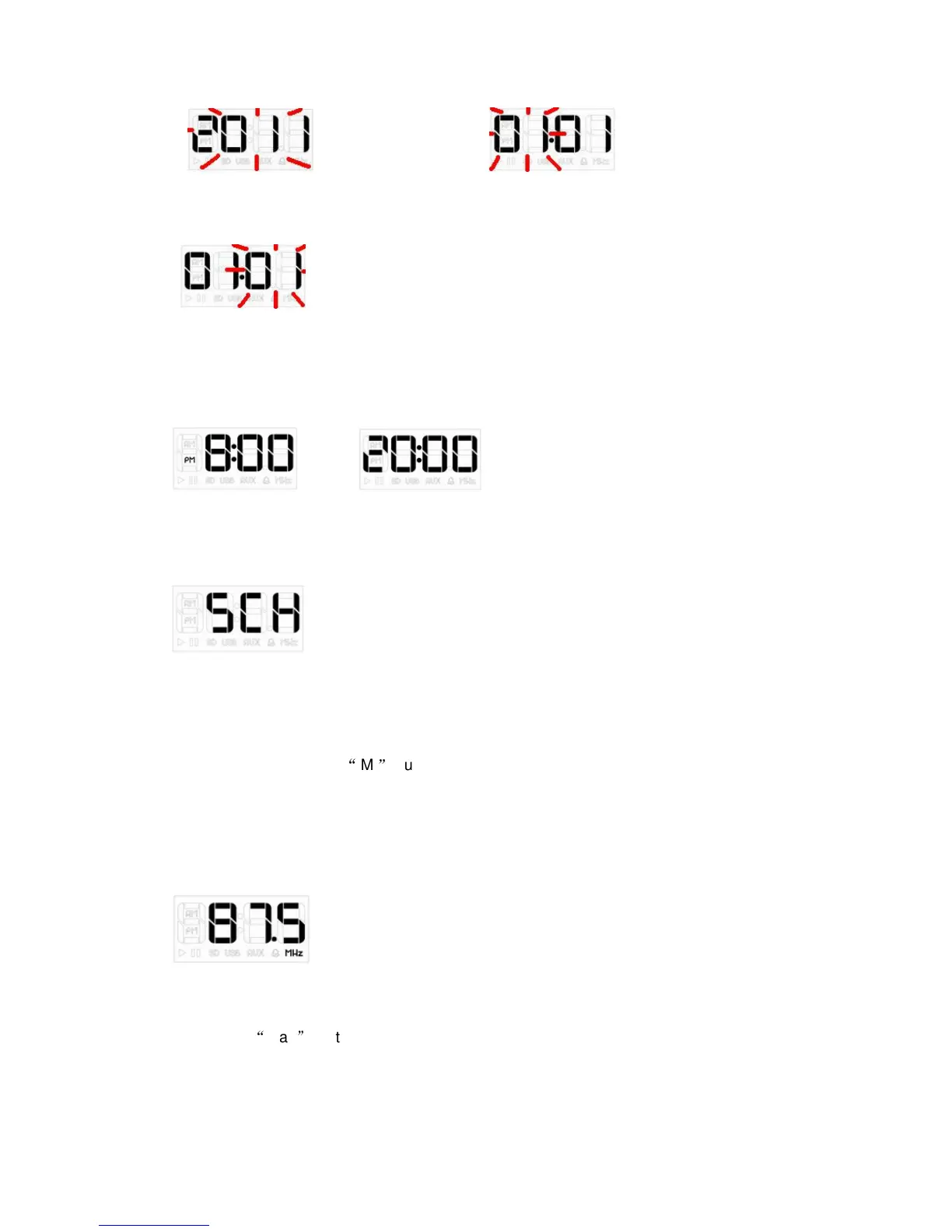
”Day” setting display
12/24 hour mode exchange: press Forward or Back keys in normal mode.
12-hour format display 24-hour format display
2. MP3 mode
Click MODE key to select MP3 mode, it will start after 2 seconds. Click Forward or Back
key to change which one do you want. Please insert TF card, or USB Disk.
3. FM mode
Manual preset and Auto-search radio are ok for this device.for manual preset by Short
press Forward key/Back key to receive radio station.Auto-search by long press
Forward key/back key to search and save channels automatically after receiving the
channel.long press
“
M
”
button as auto search and save station between
87.5-108Mhz.short press forward/back button search particular frequency,but cannot
save by particular frequency. Forty radio stations NO.1-NO.40 can be saved mostly.
3-1. Press MODE key to select FM mode.
3-2. Short press Forward/back key to receive radio station, long press to search the
channels.
3-3. Long press Forward/back key to save Radio channel automatically after receiving it.
3-4. Press
“
Play
”
button to select the radio station which you saved.


 To Next Page
 Loading...