Need help?
Do you have a question about the Icidu NI-707521 and is the answer not in the manual?
Explains the function of each LED indicator on the router during operation.
Detailed description of LED actions (ON, Flashing, OFF) for PWR, SYS, WLAN, WAN, and WPS.
Instructions on how to access the router's web-based configuration interface via its IP address.
Guide to selecting internet connection type (PPPoE, Dynamic IP) during initial router setup.
Details on choosing between Auto-Detect, PPPoE, Dynamic IP, and Static IP for WAN connection.
Steps to configure wireless settings like SSID, channel, and security mode.
Guide to securing the wireless network using WPA-PSK/WPA2-PSK encryption and setting a password.
Recommendation to record wireless settings and refer to the CD for the full manual.
 General
| Brand | Icidu |
|---|---|
| Model | NI-707521 |
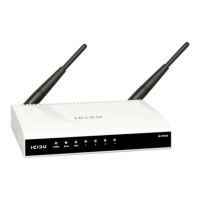
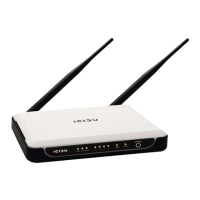
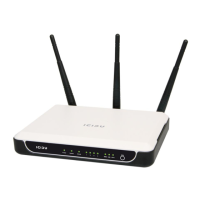
| Category | Wireless Router |
| Language | English |


 To Next Page