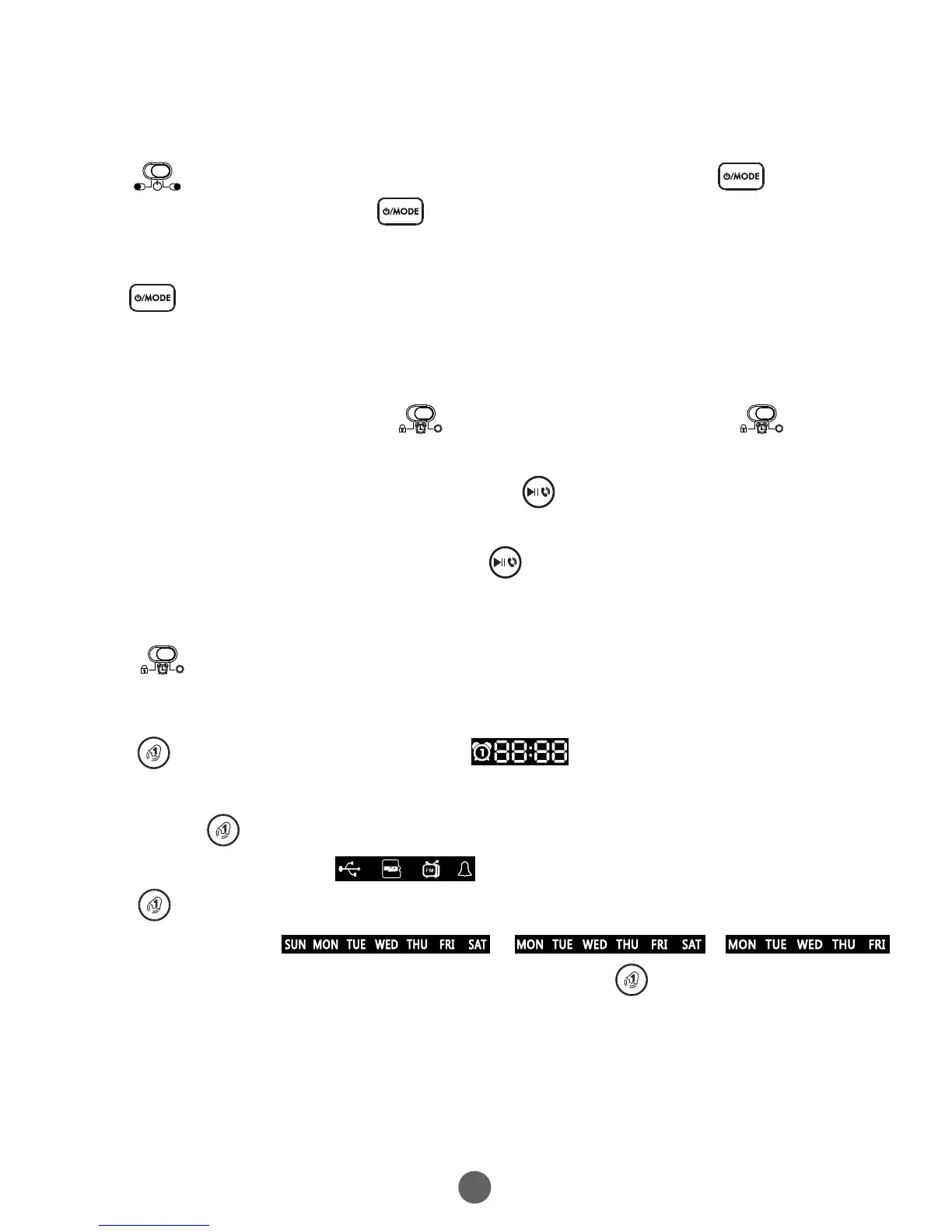
6. Functional poeration and setting
6-1 Power ON/OFF setting
6-3 Time setting
Slide TIME SETTING SWITCH to the time setting mode the time
on the LED display begins to flash, turn the top Rotary Button to
select current time, then press once on the LED display begins
to flash, turn the top Rotary Button to flash, turn the top Rotary Button
to select current year. Press again on the LED display begins to
flash, turn the top Rotary Button to flash, turn the top Rotary Button to
select current Month / day. Last slide TIME SETTING SWITCH into lock
mode
6-4 Alarm settings
6-2 Play mode selection
Press on the unit to enter standby, then press once enter mode
conversion function, press on the unit for three seconds to power off.
Press on the unit to swtich among the modes, the modes of Bluetooth
/ USB / TF/ FM / AUX .
Press on the unit to set alarm1, icon will light up and flash
on the LED display. Turn rotary button to select the alarm time, then
press once the alarm button to flash, turn the top Rotary Button
to select alarm ring , corresponding icon to flash. then
press the week button to flash, turn the top rotary button to select
workdays alarm, / /
&Tomorrow's alarm clock icon to flash. Last press to confirm the setting.
The alarm icon will stop flashing automatically in 10 seconds if no
operation occurs.
6


 To Next Page