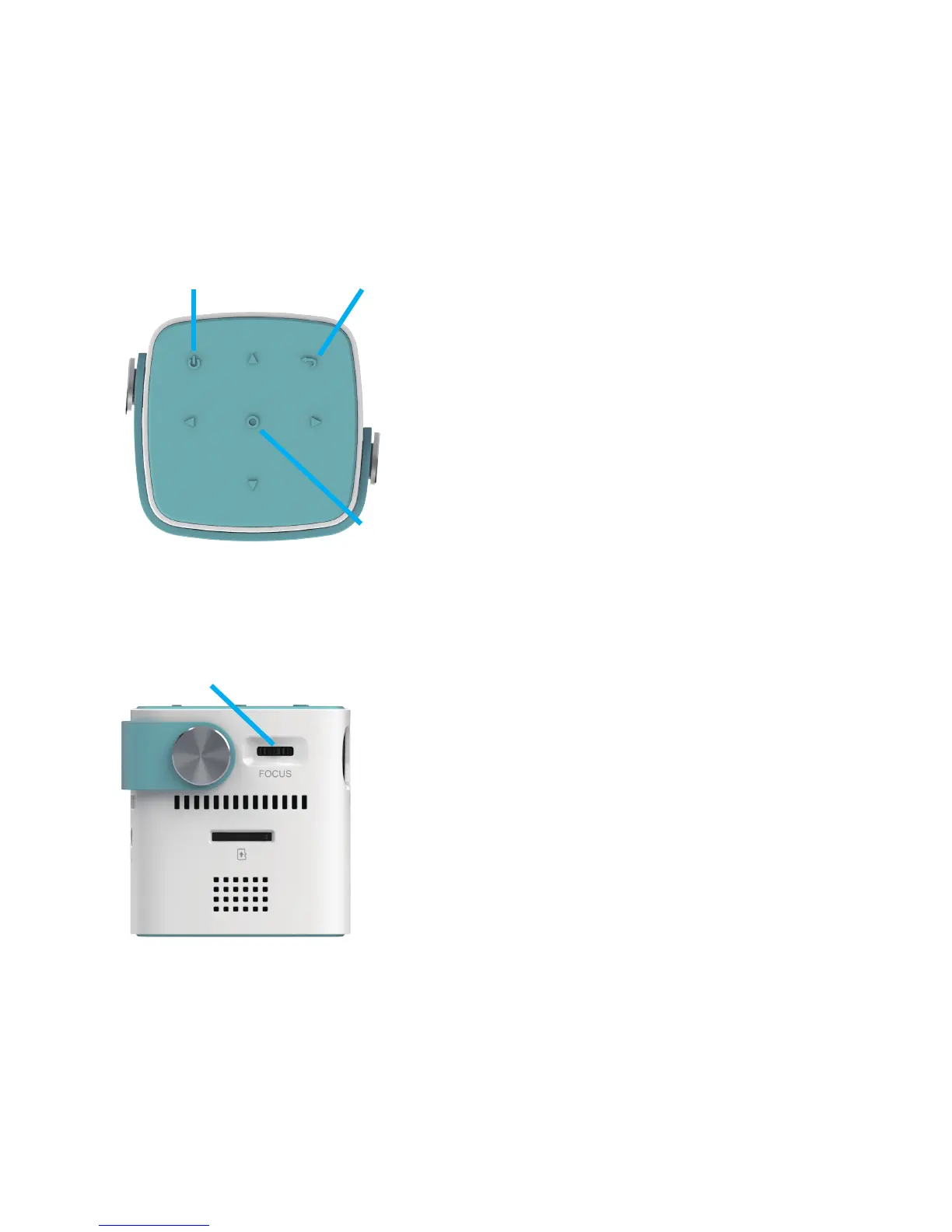
Power button
Focus ring
1. Brief introduction of CB-100W
1. Turning the projector On:
Press power button 2 seconds
2. Turning the projector Off:
Press power button 2 seconds
2. Screen focus/brightness
1.Focusing of the screen:
When an image appears on the
screen, check if it is in focus and fits
the screen properly.
To adjust the focus of the image,
rotate the focus wheel.
2.Brightness of screen: Setting-Brightness Setting
Return
Enter
-3-



 To Next Page