Owner’s Manual Key 31
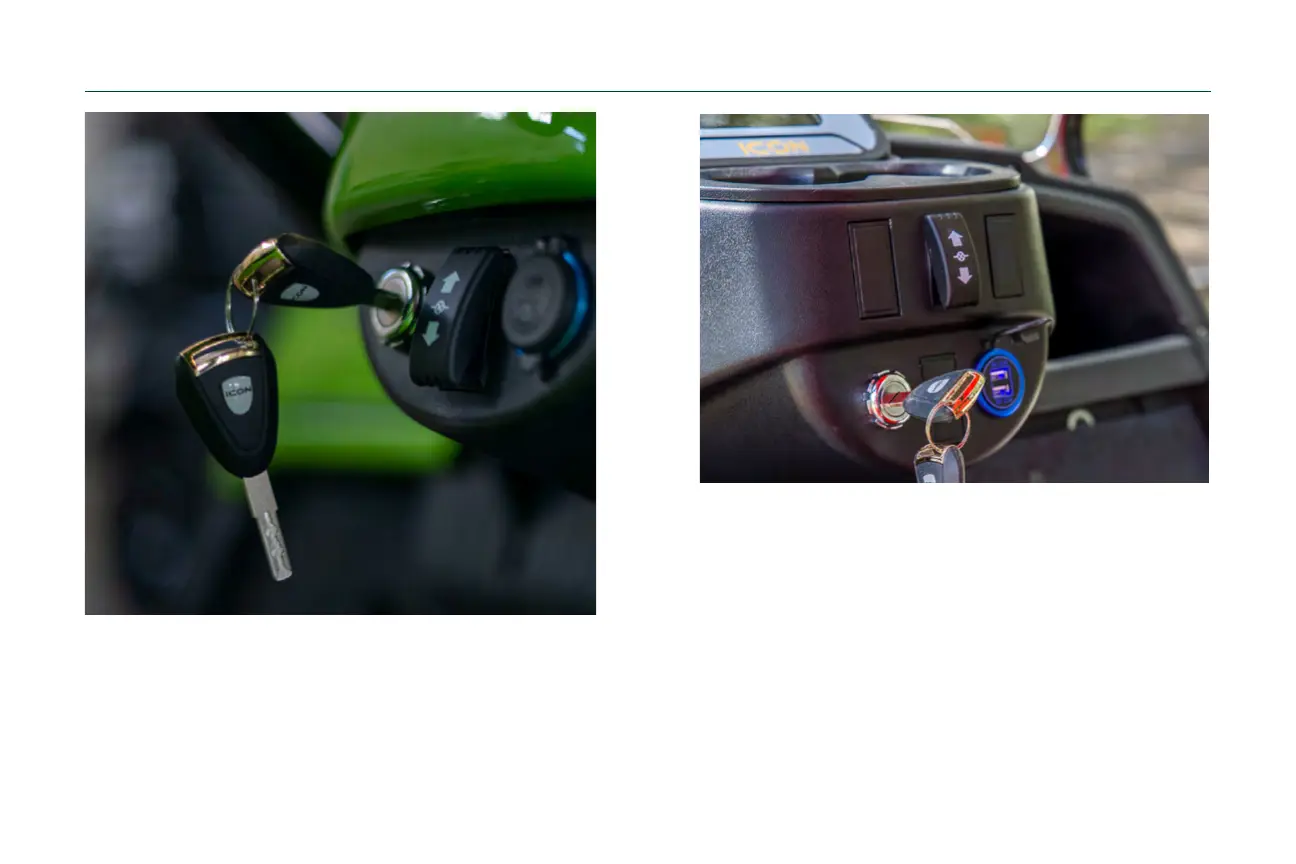
Vehicle Key
Insert the vehicle key into the ignition slot and turn the
key to the right to operate the vehicle. The key cannot
be removed until turning the vehicle off.
Vehicle Direction Selector
01. Turn key on.
02. Sleect “forward” or “reverse.”
03. Push the accelerator to start moving and use the
parking pedal to stop.
04. Drive safely according to the terrain, visibility, and
driving conditions; drive carefully in crowded and
slippery conditions.



 To Next Page