3-1-4 More
The system supplies users more networks settings, such as Airplane
mode, Tethering and VPN.
3-2 Device
3-2-1 Display
Touch to open display settings, including Brightness level, Wallpaper,
Sleep, Press power button twice for camera, Screen saver, Font
size ,Display size and Cast.
3-2-2 Notification
All apps will be displayed here for you to choose whether to open the
notification or not.
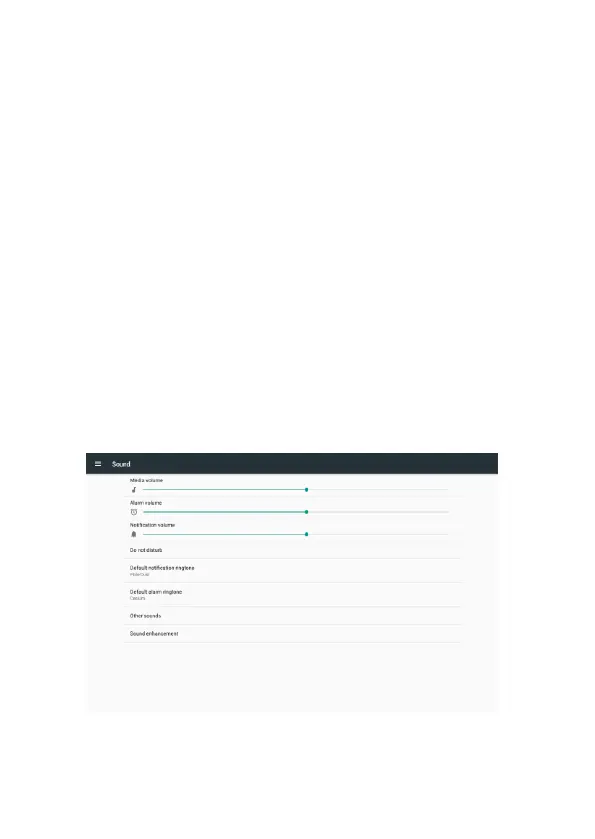
3-2-3 Sound
Touch to do the Sound general settings.



 To Next Page