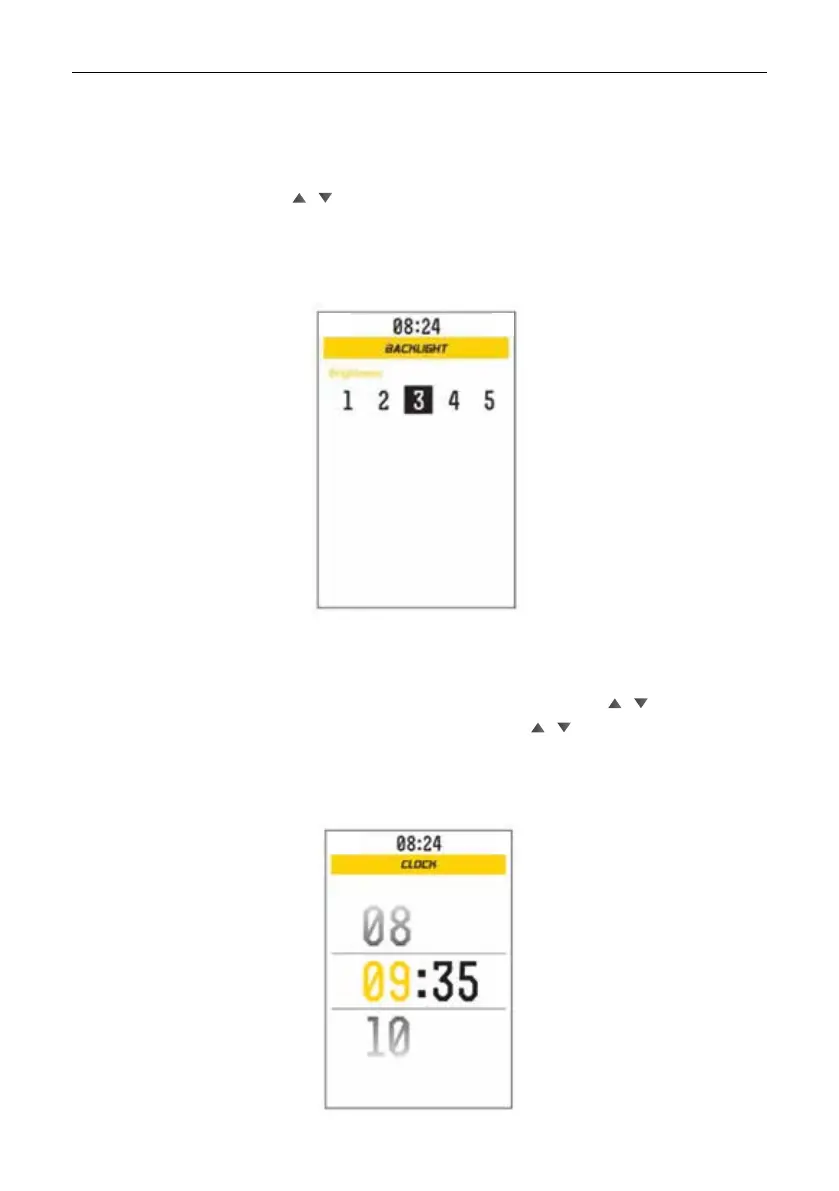
Brightness: 5-level backlight adjustable: 1, 2, 3, 4, 5. Level 1 is the darkest level. Level 5
is the brightest level. Briey press / to select the backlight level, press M to conrm the
selection and return to the backlight setting interface.
Backlight setting
Interface shown as below:
Access the clock setting interface, automatically select TIME, short press / to set the
hour, short press M to change the setting item the hour, short press / to set the minutes,
short press M to exit after have made the setting.
Clock setting (time format: HOUR: MINUTES)
Interface shown as below:



 To Next Page