PASSWORD setting
When the original
password is entered
correctly, it switches
to the new password
interface to enter the new
password.
Conrm the new
password correctly,
the display will open to
access the password
interface and you will
need to enter a new
password to switch to the
normal interface.
When the new password
has been entered
correctly, request to enter
it again.
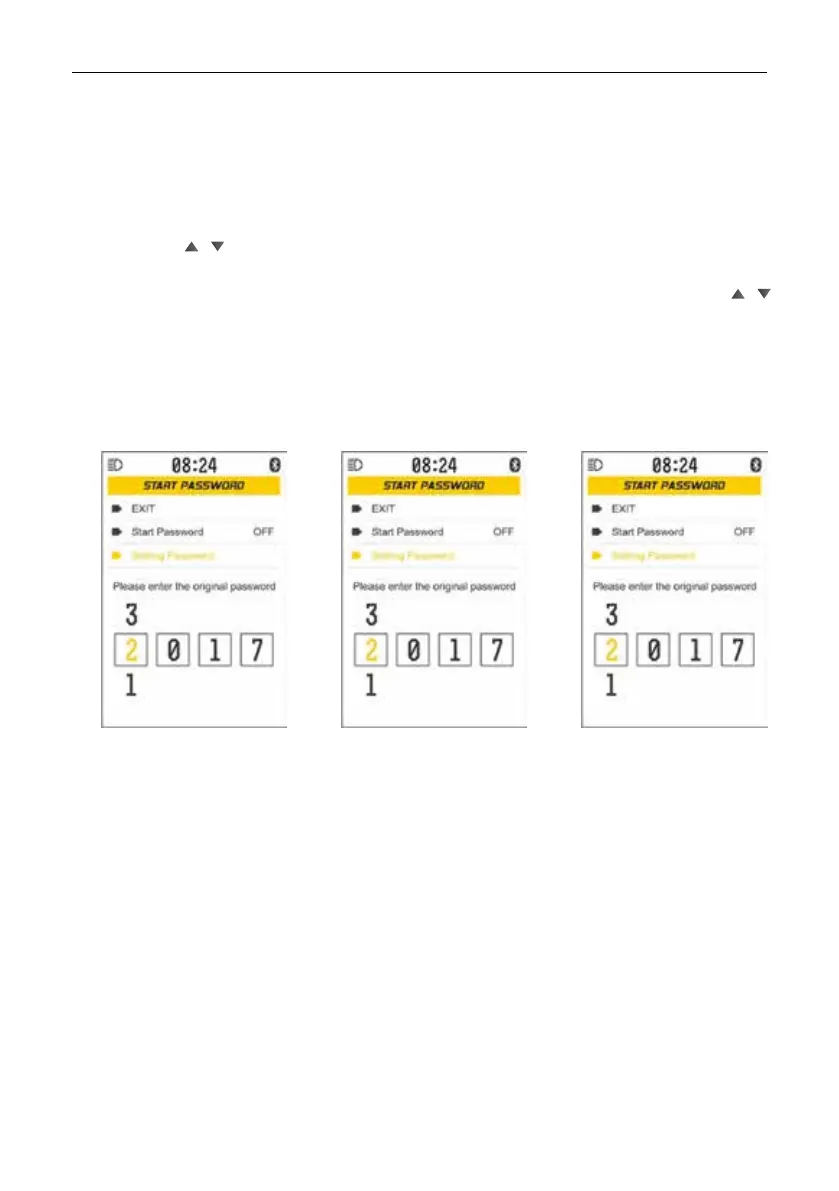
[Exit]: exit the START PASSWORD interface;
Start password On / Off: password function On / Off
Password setting: setting the password.
Short press / to select [Exit], Start password, Password setting, Select [Exit] and short
press M to exit the SET interface, Choose Start password, short press M to turn on / off,
Select Password setting, Short press M to select the password digit from left to right, press
/ to change the password numbers of the selected digit, Press M to check the original
4-digit password selected, if the original password is incorrect. View the output on the SET
interface.


 To Next Page
 Loading...