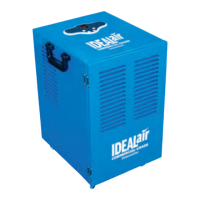
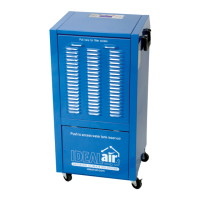
190 PINT MANUAL
Rated at 170-pints per day at 86°F/80% RH, 105 pints per day, AHAM - (80°F/60% RH)
#700837
All design and specifications herein are subject to change without
notice for product improvement. Contact Ideal Air for
details, updates and other information.
Contact Ideal Air Support directly
at support@ideal-air.com or call
1-877-9-IDEAL-1
Product not working properly?
DO NOT return this product to the
store where you purchased it.
For answers to most common questions and a complete
technical support library please visit
www.ideal-air.com
190 PINT MANUAL
Rated at 170-pints per day at 86°F/80% RH, 105 pints per day, AHAM - (80°F/60% RH)
#700837
All design and specifications herein are subject to change without
notice for product improvement. Contact Ideal Air for
details, updates and other information.
Contact Ideal Air Support directly
at support@ideal-air.com or call
1-877-9-IDEAL-1
Product not working properly?
DO NOT return this product to the
store where you purchased it.
For answers to most common questions and a complete
technical support library please visit
www.ideal-air.com
190 PINT MANUAL
Rated at 170-pints per day at 86°F/80% RH, 105 pints per day, AHAM - (80°F/60% RH)
#700837
All design and specifications herein are subject to change without
notice for product improvement. Contact Ideal Air for
details, updates and other information.
Contact Ideal Air Support directly
at support@ideal-air.com or call
1-877-9-IDEAL-1
Product not working properly?
DO NOT return this product to the
store where you purchased it.
For answers to most common questions and a complete
technical support library please visit
www.ideal-air.com
Rating @ 190Pint 86°F 80%RH
115Pint 80°F 60%RH


 To Next Page
 General