USER GUIDE
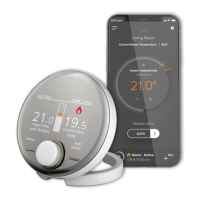
Welcome to your new Ideal Halo control. This thermostat will help you to control both your heating
temperature and the times that your heating and hot water is on.
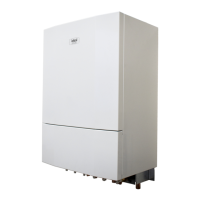
Halo is a battery powered, wireless control for both
heating and hot water, that uses a protocol called
Zigbee to communicate with the Smart Interface
that wires into the boiler.
This user guide is applicable to both the Halo Heat
& System RF and Halo Heat & System Wi-Fi control.
Halo Heat & System RF is a non-connected control
(control is via the Halo Heat & System unit only).
Halo Heat & System Wi-Fi is a wireless heating
control that is connected to the internet. You can
download the Halo app on Google Play or the Apple
app store. You will not have to pay to use the app.
For more information on the features in your Halo
app visit the Help section of the app or visit our
website idealheating.com
If you have purchased or are upgrading a Halo Heat & System RF (non-connected control) you can upgrade
this to an internet heating control by downloading the Halo app and following the steps in the app to
connect your Halo control. You will be required to pay a connection fee to upgrade to app controlled heating.
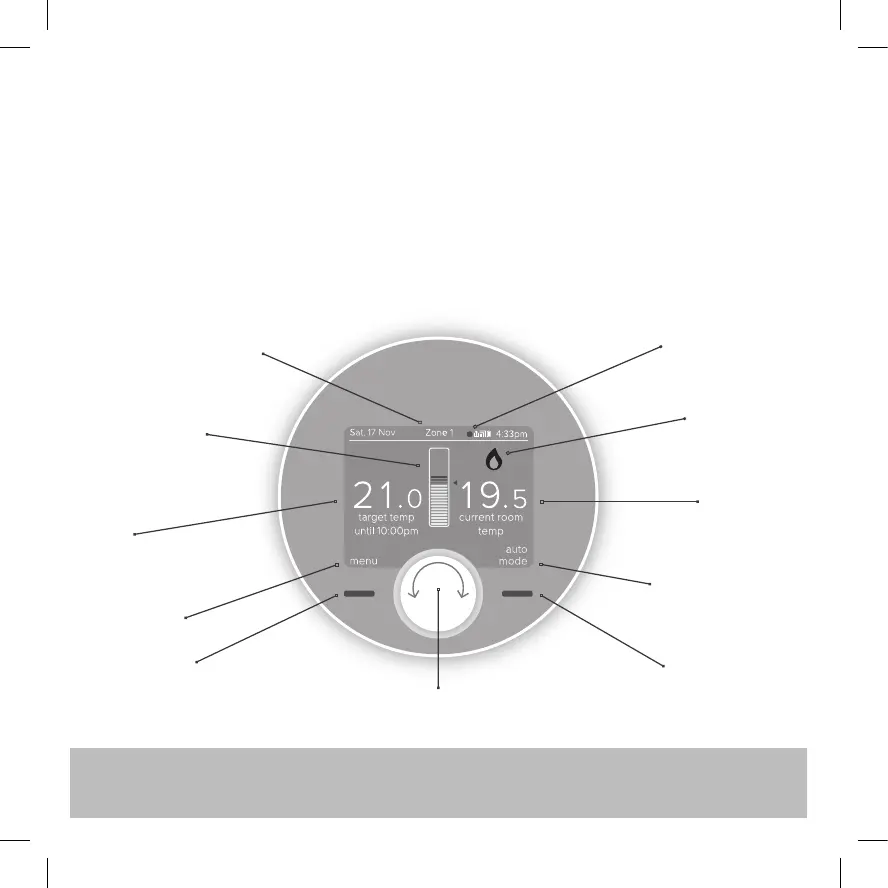
The temperature
scale in the centre
will be orange
and red when the
heating is on
Central heating zone the
Halo Programmable Room
Thermostat (PRT) is controlling
Text relating to
left hand button
Target
temperature
Left hand button,
use this to enter
the menu
Turn dial to adjust temperature or navigate menu.
Press dial to alternate between heating and hot water
The flame symbol
is present if the
heating is on
Orange dot shows if
the hot water is on
Current
temperature
is the current
temperature
in your home
Text relating to right
hand button - shows
whether the Halo is
in Auto, Manual or
Off mode
Right hand button,
use this to switch
between modes


 To Next Page