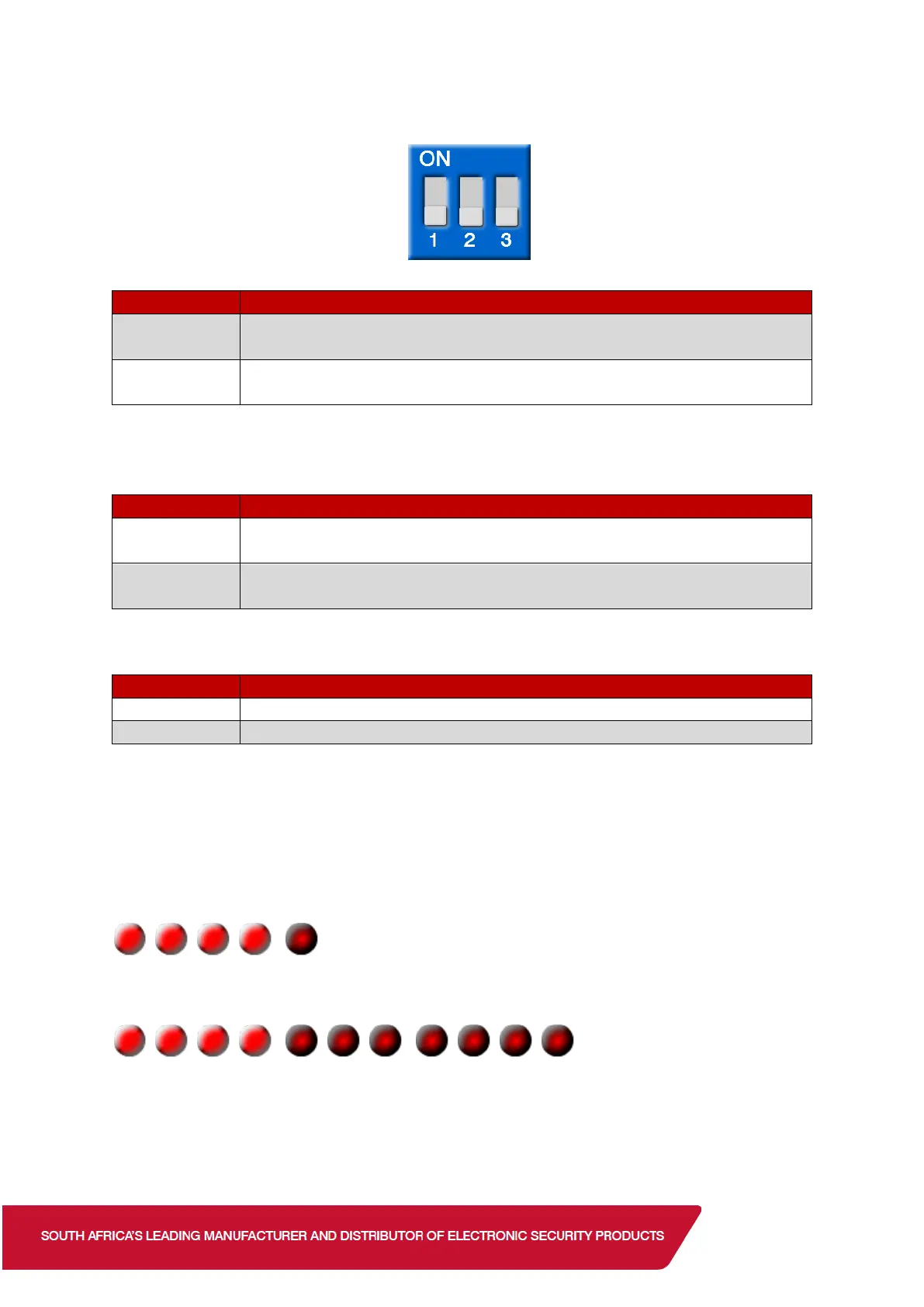
Dip Switch
Dip Switch 1 - Walk Test Mode
Test Mode On. The LED lights irrespective of the Dip switch 6 setting.
Dip switch 2, Battery Saving Timer, is inactive.
Normal Mode. LED and Battery Saving Timer works according to
their setting.
NB: Once the walk test is complete always set the detector to Normal Mode. Using the
detector in Test Mode will shorten the battery life.
Dip Switch 2 – Battery Saving Timer
Even if there are continuous alarms, the alarm is only generated once
in a 5 second time.
Even if there are continuous alarms, the alarm is only generated once
in a 120 second time. To lengthen battery life.
Disables the LED. To lengthen battery life.
LEDs
Alarm – Both red LEDs turns on for 2 seconds
Warm-up – Both red LEDs blink once. (Warm-up takes approximately 120 seconds)


 To Next Page
 Loading...