EasyManua.ls Logo

IDTECH vivopay kiosk iii - User Manual

Default Icon
24 pages
Print Icon
To Next Page IconTo Next Page
Loading...
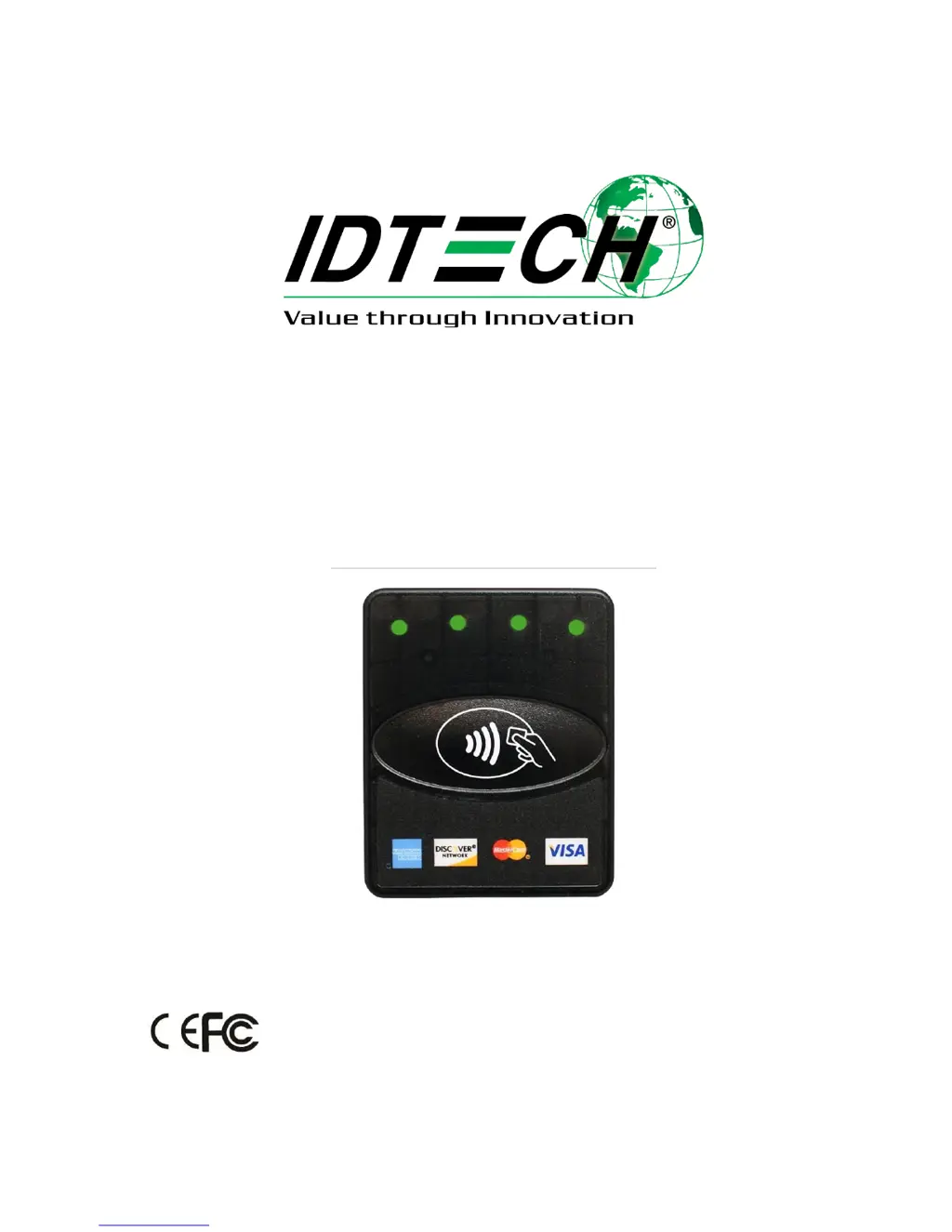
ViVOpay Kiosk III
User Manual
80136500-001 Rev. D

Questions and Answers

Summary

Copyright Information

Regulatory Compliance

FCC Class B Equipment

Details compliance with FCC Class B digital device limits for protection against harmful interference in residential installations.

IC Compliance Warning

States conditions for IC compliance regarding interference.

Cautions and Warnings

Highlights important safety precautions for the ViVOpay Kiosk III installation and operation.

Product Overview

Key Features

Lists the supported transaction types, implementation details, consumer intuition features, security aspects, and hardware configurations.

ViVOpay Kiosk III Specifications

Hardware Specifications

Details hardware specifications including MTBF, transmitter frequency, modulation, receiver subcarrier frequency, data, and read range.

Physical Specifications

Provides physical dimensions for the controller, square bezel antenna, and angled bezel antenna.

Environmental Specifications

Details environmental specifications for the antenna, including operating temperature, humidity, and environment type.

Certifications and Approvals

Supported Payment Applications

Lists supported contactless payment applications and mobile payment types like Amex, Discover, Visa, and mobile wallets.

Kiosk III Installation Guide

Installation Parts List

Lists the necessary hardware components for installing the ViVOpay Kiosk III, including controller, antenna, cables, and drill template.

Mounting the External Antenna

Provides instructions for mounting the antenna on a kiosk exterior, including hole marking and orientation guidance.

Antenna Mounting Details

Flush Mounting Square Bezel Antenna

Details options for flush-mounting the antenna in metal surfaces to manage RF field sensitivity and ensure optimal performance.

Controller Mounting Methods

Mounting Controller with Screws

Step-by-step guide for mounting the controller inside a kiosk using screws, including hole placement and securing the unit.

Mounting Controller with Mounting Tape

Instructions for mounting the controller using double-sided tape, suitable when drilling holes is not feasible.

Connecting Antenna and Controller Cables

Connecting to Power

Connecting to USB Power

Explains how to power the KIOSK III using the two-socket power connector, especially when using USB data communications.

Connecting to Data Port

RS-232 Port Pinouts

Details the pin configuration for the 14-pin Molex connector used for RS-232 communication and power.

Making a Purchase

Presenting Cards or NFC Phones

Guides on how to present cards or NFC phones to the antenna for contactless transactions, including visual and audible feedback.

Installation Placement Considerations

RF and Electromagnetic Interference

Discusses placement considerations to avoid RF and electromagnetic interference that can affect reader performance.

Understanding RF Interference

Sources of RF Interference

Identifies common sources of radio frequency interference that can affect contactless payment devices.

Managing RF Interference

Provides guidance on how to identify and mitigate RF interference in the operating environment.

Firmware Upgrade Process

Firmware Update Preparation

Lists prerequisites and required items for updating the Kiosk III firmware via serial or USB interfaces.

Uploading Firmware via RS232 or USB

Details the step-by-step process for uploading new firmware using the KIOSKIII Bootloader Utility.

Troubleshooting General Issues

Reader Not Powered On

Diagnoses and remedies for the reader not appearing to be powered on, including checking connections and power supply.

Troubleshooting Reading Issues

LEDs and Beeper Not Audible

Troubleshooting steps when LEDs do not light and the beeper is not audible upon card presentation.

Troubleshooting Communication

No Data Received or Garbled Data

Addresses issues where no data is received or data is garbled, focusing on cable connections.

Troubleshooting Firmware Loading

Firmware Loading Failures

Troubleshooting steps for firmware loading failures, including checking PC connection and closing conflicting software.

IDTECH vivopay kiosk iii Specifications

General IconGeneral
Device TypePayment Terminal
Modelvivopay Kiosk III
ManufacturerID TECH
Firmware UpdateRemote Firmware Update Supported
Voltage5V DC
ComplianceRoHS, REACH

Related product manuals