Need help?
Do you have a question about the IEM Mobil-O-Graph and is the answer not in the manual?
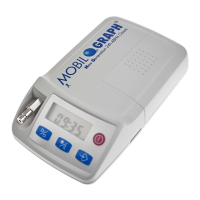
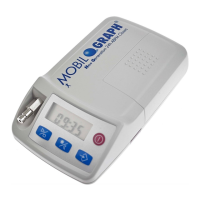
Introduces the Mobil-O-Graph® blood pressure monitor and its capabilities.
Explains the purpose and structure of the instruction manual.
Covers device compliance with clinical standards and regulatory marks.
Defines the authorized purpose and lists prohibited uses of the device.
Outlines the key performance characteristics and standards met by the device.
Describes medical indications and potential side effects of the measurement.
Explains warning signals, symbols, and general safety instructions.
Provides critical safety guidelines and precautions specifically for medical professionals.
Overview of the Mobil-O-Graph® monitor, its software, unpacking, and components.
Explains the functions of device buttons, display, signals, and connections.
Guides on device preparation, initial setup, measurement, and patient conduct.
Lists technical specifications, environmental conditions, and device symbols.
Guides on preparing the device, initial setup, and turning it on.
Covers the device's internal test sequence and how to clear its memory.
Explains how to set the device's time/date and transfer patient identification.
Details how to customize measurement intervals and settings.
Provides instructions on how to correctly attach the device and begin a measurement.
Guides on selecting the correct cuff size and attaching it properly.
Illustrates and describes recommended patient positions for accurate measurements.
Details the correct methods for disinfecting and cleaning the device components.
Outlines routine maintenance, calibration, and battery care recommendations.
Identifies common causes of errors and provides a troubleshooting checklist.
Lists device error messages, their causes, and corrective measures.
Details error codes related to Bluetooth communication and their remedies.
Provides guidance on using and caring for rechargeable batteries with the device.
Explains how to use and dispose of alkaline batteries with the device.
Outlines the terms, conditions, and exclusions of the product warranty.
Covers repair procedures, metrological checks, and liability clauses.
Provides crucial safety information and guidance for patients using the device.
Details the device's compliance with electromagnetic emissions and immunity standards.
 General
| Brand | IEM |
|---|---|
| Model | Mobil-O-Graph |
| Category | Medical Equipment |
| Language | English |

 To Next Page