OPERATING CONDITIONS AND ELECTRICAL CHARACTERISTICS
Environmental Conditions
Operating Temperature.........................................................................................+5°C (41°F) to 40°C (104°F)
Storage Temperature............................................................................................-20°C (-4°F) to 60°C (140°F)
Relative Humidity........................................................................................20% to 80%, without condensation
Operating Environment....................................................................................................... Fully enclosed area
(airport lobby, railway station, travel agency, etc.)
Power Requirements
Line Voltage............................................................................................................. Authorized voltage ranges
100-120 Vac / 60 Hz / 1.6 A
200-240 Vac / 50 Hz / 0.8 A
CONNECTION TO THE LINE VOLTAGE / POWER UP
Connecting to the Line Voltage
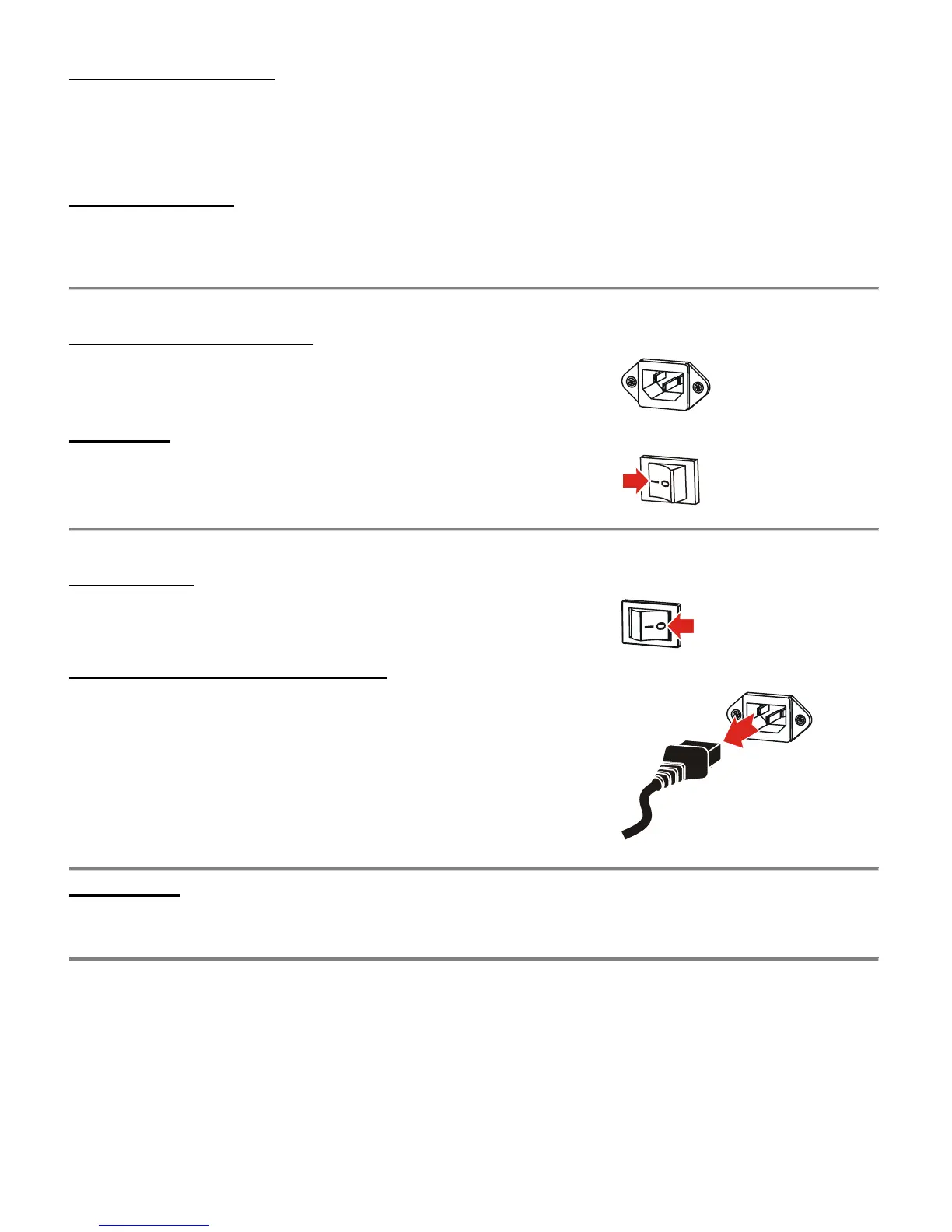
Connect the AC power cord first to the AC power connector on the IER
product (see illustration opposite) and then to the AC power outlet.
Powering Up
Set the power switch to the I position (see illustration opposite).
POWERING DOWN / MAKING THE IER PRODUCT ELECTRICALLY SAFE
Powering Down
Set the power switch to the 0 position (see illustration opposite).
Making the IER Product Electrically Safe
Disconnect the AC power cord from the AC power connector of the IER
product.
IMPORTANT: Visit our website to read and/or download the Installation and User
Documentation corresponding to your IER product:
www.ier.fr



 To Next Page