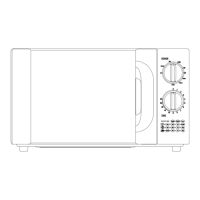
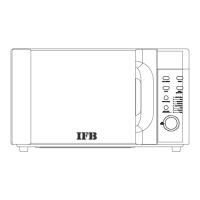
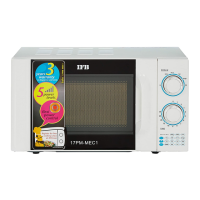
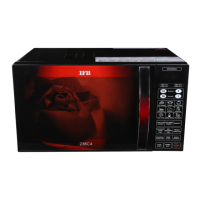
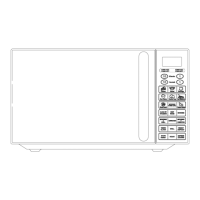
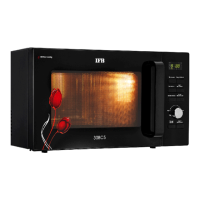
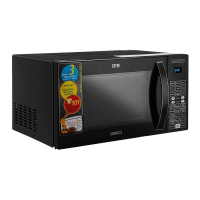
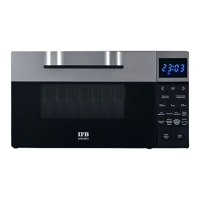
Each time a pad is touched, a beep will sound to acknowledge the touch.
After a cooking program has finished, the oven will sound beeps with End on display screen, touch
STOP/CANCEL pad to clear it before setting another function.
SETTING THE CLOCK
To enter the digital clock time, touch the CLOCK pad to set the digital clock in 12 or 24 hours cycle
and then touch the number pads to set the time of day.
For example: to set the time of 6: 35 in 12-hour cycle.
1. Touch STOP/CANCEL pad.
2. Touch CLOCK pad once or twice.
3. Touch number pads to set the clock time.
4. Touch CLOCK pad again to confirm.
Note: You can check the clock time when cooking is in progress by touching the CLOCK pad.
MICROWAVE COOKING
The longest cooking time can be set is 99 min. 99 sec.
Suppose you want to cook for 5 minutes at 60% of microwave power.
1. Touch STOP/CANCEL pad.
2. Touch MICRO. pad a number of times to set power level.
3. Touch number pad to set cooking time.
4. Touch START / EXPRESS COOK pad.
GRILL COOKING
The longest cooking time can be set is 99 min. 99 sec.
Suppose you want to broil for 12 minutes.
1. Touch STOP/CANCEL pad.
2. Touch GRILL/COMBI. pad once.
3. Touch number pads to set cooking time.
4. Touch START / EXPRESS COOK pad.


 To Next Page