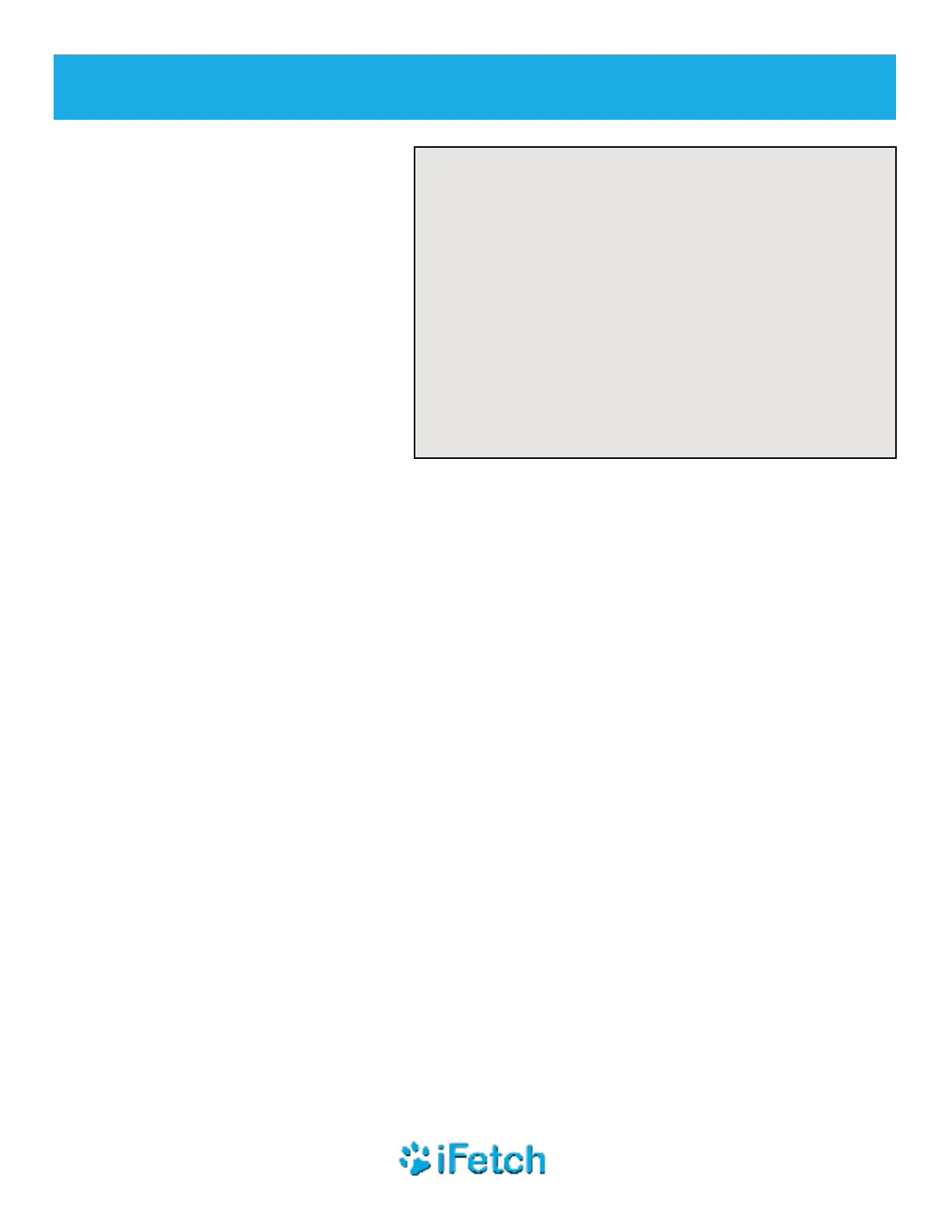
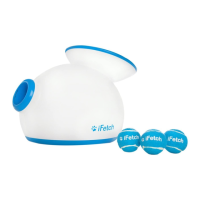
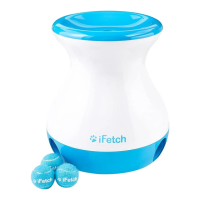
4
goifetch.com
BEFORE PLAY
• INSPECT for signs of wear, corrosion, and fatigue
BEFORE each use. DO NOT use if damaged.
• NEVER stand or allow your pet to stand directly in
front of the iFetch Too.
• DO NOT point toward breakable objects,
including windows, light xtures, and picture
frames.
WARNING
To prevent SERIOUS INJURY or PROPERTY
DAMAGE:
Check the slider button under the
power button on the back of your
iFetch Too to make sure it is in the
desired position:
• Down (white) will limit the launch
distance to 10 feet (better for indoor
use) no matter what distance is
selected
• Up (red) will allow for all launch
distance settings (10, 25, 40 feet, or
“random”)
Press the button on the rear of your iFetch Too to turn the unit ON. The button light will
illuminate to indicate the battery charge level.
• Green – Fully charged
• Yellow – Charge getting lower or is recharging, if the battery charger is connected
• Red – Battery is low and needs to be recharged
• Flashing Red – Battery is too low to function properly; recharging is required prior to continued use
If Slider button (under power button) is showing red, press the power button to cycle
through to your desired distance setting:
• One blue light = 10 feet/3 meters
• Two blue lights = 25 feet/7.5 meters
• Three blue lights = 40 feet/12 meters
• One blue light ashing randomly = random distance somewhere between 10 feet and 40 feet
NOTE: Launch distance may be affected by the condition of the ball (e.g., wet or dirty). DO NOT
use damaged balls with your iFetch Too. The light(s) will turn off after about 30 seconds, but the
iFetch Too will remain on (in standby mode) until you or your pet drops another ball into the top.


 To Next Page