7
Use The Tracker Pod
Check the Battery Level
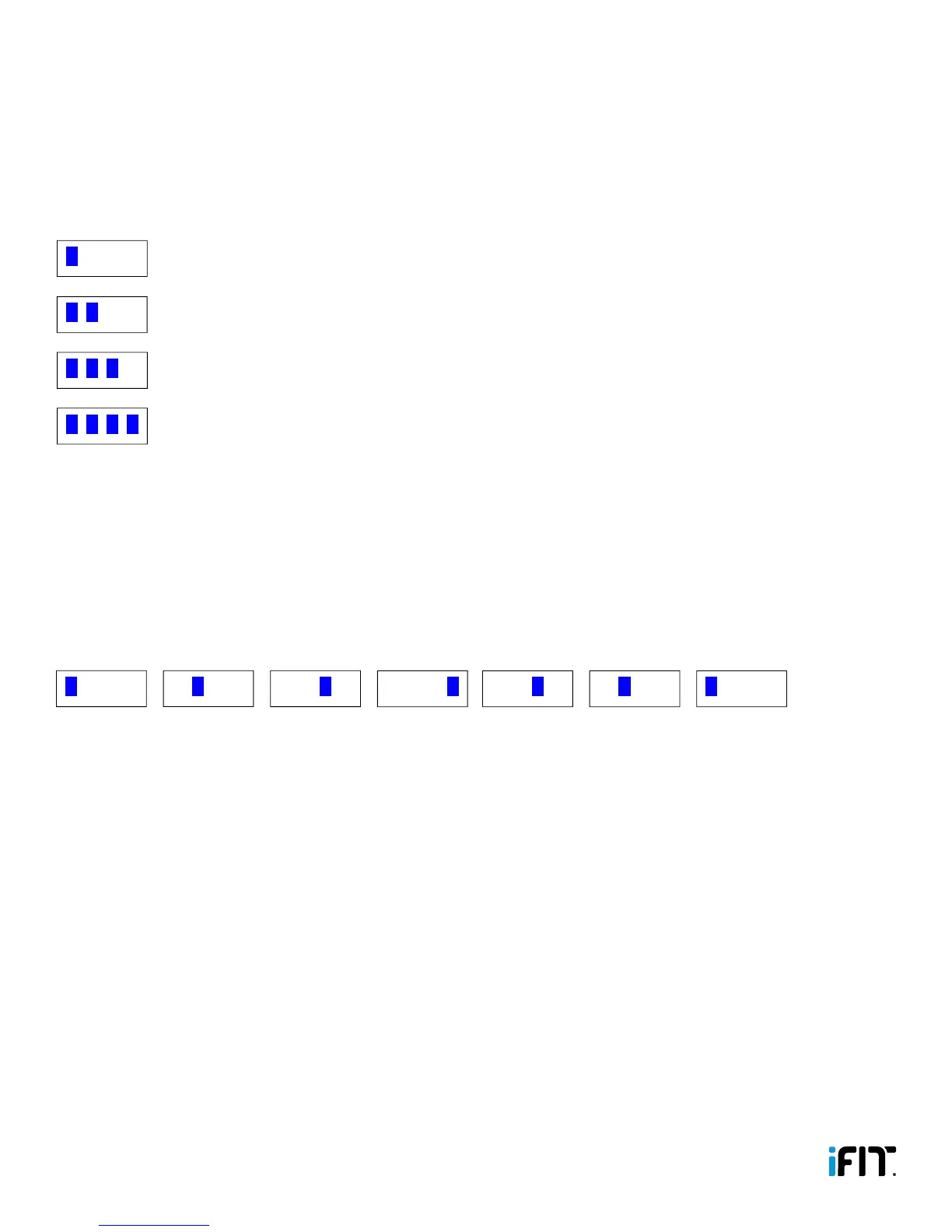
Press the button on the tracker pod 2 times to check the battery level of the tracker pod. If the battery level is low, see
CHARGE THE TRACKER POD on page 4 and charge the tracker pod.
LED Indicators Battery Level Percentage
Battery Level
Goal Achieved
Workout
Move Time
Battery Level at Zero Percent When Plugged into Charger
1 solid 25 or less
Battery Level
Goal Achieved
Workout
Move Time
Battery Level at Zero Percent When Plugged into Charger
2 solid 26–50
Battery Level
Goal Achieved
Workout
Move Time
Battery Level at Zero Percent When Plugged into Charger
3 solid 51–75
Battery Level
Goal Achieved
Workout
Move Time
Battery Level at Zero Percent When Plugged into Charger
4 solid 76–100
Start a Workout
The tracker pod will detect your workouts automatically. You can also start a workout manually on the tracker pod.
To start a workout manually, press the button on the tracker pod 3 times. The tracker pod will remain in workout mode for 15
minutes. Then, if the tracker pod detects further activity, it will continue in workout mode.
When a workout begins, the LED indicators on the tracker pod will appear in the following pattern.
The tracker pod will record your average speed during each minute of your workout. This information will be displayed in
your workout history in the iFit Track app.
Note: The tracker pod will detect automatically the type of activity you are performing, such as walking, running, sleeping,
and so forth. Allow 10 seconds for the tracker pod to detect the type of activity you are performing.
Wear a Heart Rate Monitor
When you wear a compatible heart rate monitor, the tracker pod will record your heart rate during your workouts. When the
tracker pod detects a heart rate monitor, the tracker pod will vibrate 4 times. Your heart rate will be displayed in your workout
history in the iFit Track app.
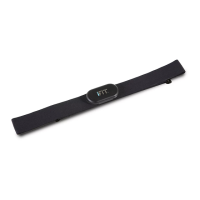
The tracker pod is compatible with all BLUETOOTH Smart heart rate monitors. For information about purchasing a
BLUETOOTH Smart chest heart rate monitor, see THE OPTIONAL CHEST HEART RATE MONITOR on page 9.
Battery Level
Goal Achieved
Workout
Move Time
Battery Level at Zero Percent When Plugged into Charger


 To Next Page