EasyManua.ls Logo

iGenix IG4008 - User Manual

iGenix IG4008
8 pages
Print Icon
To Next Page IconTo Next Page
Loading...
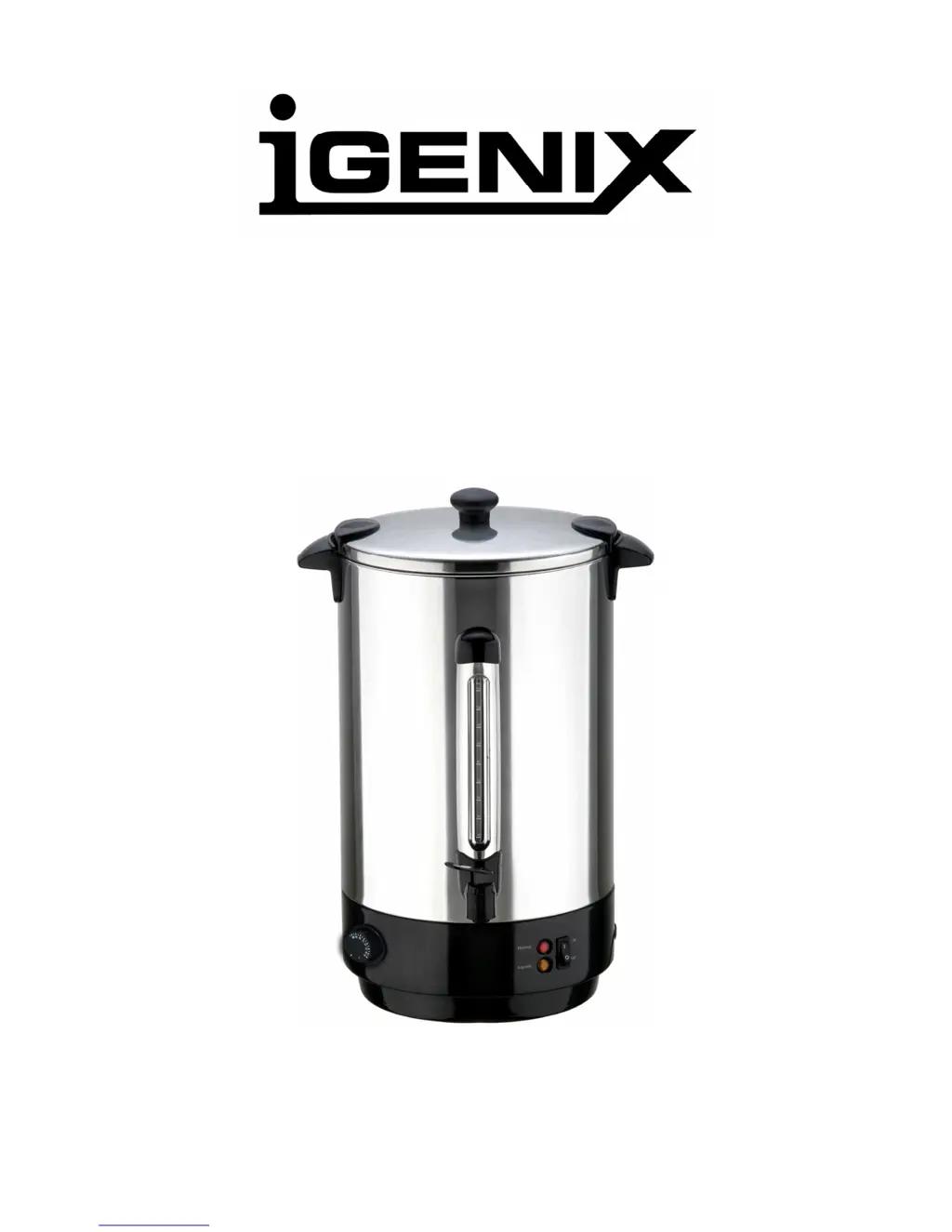
CATERING URN
Model Number: IG4008 / IG4015 / IG4020 / IG4030
INSTRUCTIONS FOR USE
Thank you for purchasing this product.
Please read these instructions carefully before use

Questions and Answers

  • P
    Paula WardJul 30, 2025
    Why is my iGenix IG4008 not heating the water?
    • E
      Erica SilvaJul 30, 2025
      Your iGenix Dispenser might not be heating water due to several reasons. First, ensure it's firmly plugged into the mains wall socket. Check the fuse or breaker if there's no electricity in the socket. Make sure the On/Off switch is turned on. Also, the safety cut-out may have activated; in that case, empty the urn, let it cool for 30 minutes, press the reset button on the base, and refill with water.
  • J
    Jacob DavisAug 2, 2025
    What to do if my iGenix IG4008 Dispenser cuts out before boiling?
    • R
      roseaustinAug 3, 2025
      If your iGenix Dispenser cuts out before it boils, it could be due to a large build-up of scale. Use a descaling agent to clean the urn. Alternatively, the urn may have overheated, activating the thermal cut-out. In this case, empty the urn, allow it to cool for 30 minutes, press the reset button on the base, and then refill it with water.
  • W
    william44Aug 7, 2025
    Why does my iGenix IG4008 Dispenser scale up so quickly?
    • U
      ushafferAug 7, 2025
      If your iGenix Dispenser scales up quickly, it's likely because you live in a hard water area. Regularly de-scale your urn to mitigate this issue.
  • A
    Amy BarnesAug 12, 2025
    What to do if my iGenix Dispenser does not work?
    • N
      Nicholas BradyAug 12, 2025
      If your iGenix Dispenser urn does not work, ensure it is firmly plugged in, and check the fuse or breaker. Also, make sure the on/off switch is set to the 'on' position. If the safety cut-out has activated, empty the urn, allow it to cool for 30 minutes, press the reset button on the base, and then refill it with water.
  • S
    Stanley ScottAug 15, 2025
    Why does my iGenix IG4008 Dispenser cut out before it boils?
    • J
      Jonathan BryantAug 15, 2025
      If your iGenix Dispenser urn cuts out before boiling, it's likely due to a large buildup of scale. Use a descaling agent to clean the urn to resolve this issue.
  • T
    Todd DavisAug 20, 2025
    How to fix iGenix IG4008 not boiling water?
    • V
      Valerie FordAug 20, 2025
      If your iGenix Dispenser urn does not boil water, ensure the temperature dial is set to 100°C. After setting the dial, wait for the urn to boil.
  • R
    Robin WilliamsAug 25, 2025
    Why does my iGenix IG4008 scale up quickly?
    • J
      joseph71Aug 25, 2025
      If your iGenix Dispenser urn scales up quickly, it's likely because you live in a hard water area. Regularly descale your urn to prevent this issue.

Summary

Product Information

Guarantee Information

Details warranty terms and conditions for the product.

Specifications

Technical details including capacity, wattage, and voltage.

Safety Instructions

Operating Instructions

Getting Started

Initial setup steps before operation.

Before First Use

Initial cleaning and priming process.

Usage and Maintenance

Using Your Urn

Step-by-step guide on operating the urn.

Thermal Cutout

Safety feature that switches off the urn due to overheating or dry boiling.

Descaling

Importance of removing limescale deposits to maintain performance.

Cleaning and Care

Troubleshooting

Disclaimers and Disposal

Disclaimer

Notes on updates, illustrations, and legal entitlements.

Disposal of Old Electrical Appliances

Guidelines for responsible disposal of electrical waste.

iGenix IG4008 Specifications

General IconGeneral
ColorWhite
TypeWater Dispenser
Cooling MethodCompressor
MaterialPlastic
Power Supply220-240V, 50Hz