24
CZ
SK
EN
PL
HU
ON
OFF
FAQ
Q: I can't find the panel device a er selecting "Quick Setup".
A:
Try to press button until a sound of beep occurs.
Q: There is an indication of Bluetooth disconnection.
A:
Try to press button until a sound of beep occurs.
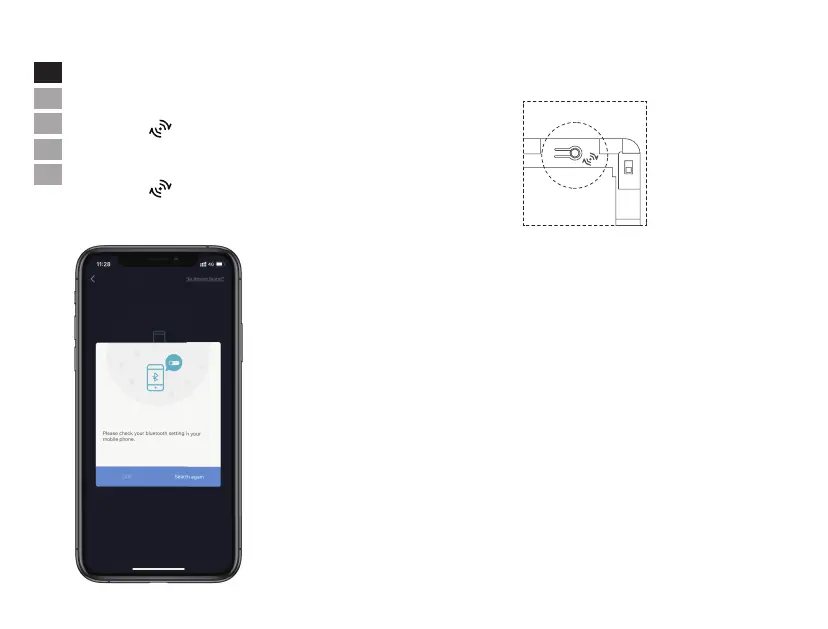
Q: There is an indication of the Bluetooth deactivation on my phone.
A:
Q: There is an indication of connection failure.
A:
Please make sure the Wi-Fi that the panel is intended to connect is on 2.4GHz band and the
Wi-Fi password does not contain any special symbols, then try to connect the Wi-Fi again.
Please make sure that the Bluetooth on your phone is switched on before initiating this
pairing process.


 To Next Page