EN
17
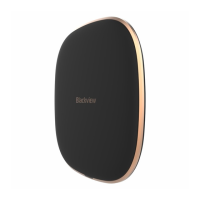
Wiring and installing a wireless charger:
1. Connect the power adapter to the 230V
socket
2. Plug the USB cable into the AC adapter
3. Connect the W1 charging base to the USB
Type C cable
4. Place a phone that supports wireless
charging on the charging base
LED indication:
1. When charging the phone that supports
wireless charging, the LED lights
continuously red.
2. If the LED is blinking red, the phone either
does not support wireless charging or is not
properly positioned on the charging pad.
3. When plugging the charging pad to the net,
the pad flashes green.
Safety warnings:
• Do not expose the unit to an open flame.
• Do not expose the device to magnetic
radiation.
• Avoid extreme temperatures (-10 ° C, + 40 °
C), intended for indoor use only.
• Keep the unit dry.
• Do not disassemble the device.


 To Next Page