Refrigerator Features And Use
General Features
Your refrigerator will automatically maintain the temperature level you select.
The temperature control dial has 7 settings plus off. 1 is the warmest. 7 is the
coldest. Turning the dial to 0 stops cooling in both the refrigeration and freezer
sections. At first, set the dial to 4 and allow 24 hours to pass before adjusting the
temperature to your needs.
(Note: If the refrigerator has been placed in a horizontal or tilted position for any
period of time wait 24 hours before plugging the unit in.)
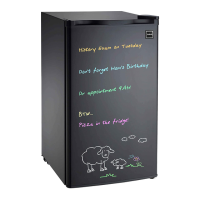
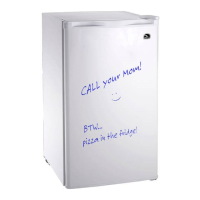
Eraser Board Use
Please note dry erase markers must be used on surface.
Dry erase markers and eraser are not included.
Refrigerator Interior Shelves
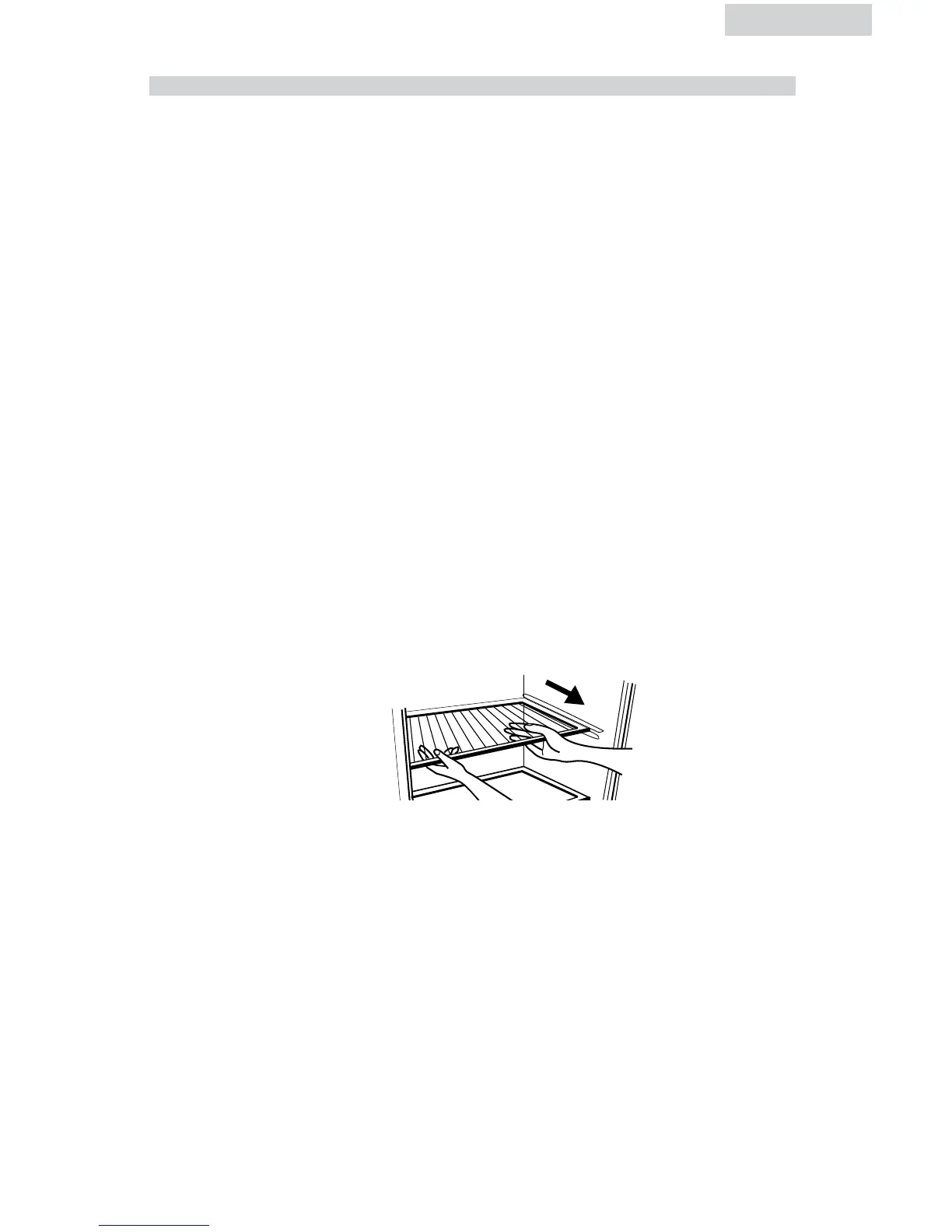
To remove or replace a full-width slide-out shelf: (see fig. # 2)
1. Gently tilt the shelf up and slide forward until the shelf has been completely
removed.
2. To replace the shelf, gently slide the shelf back.
English
fig. 2
8


 To Next Page