16
Unlocking from the Outside
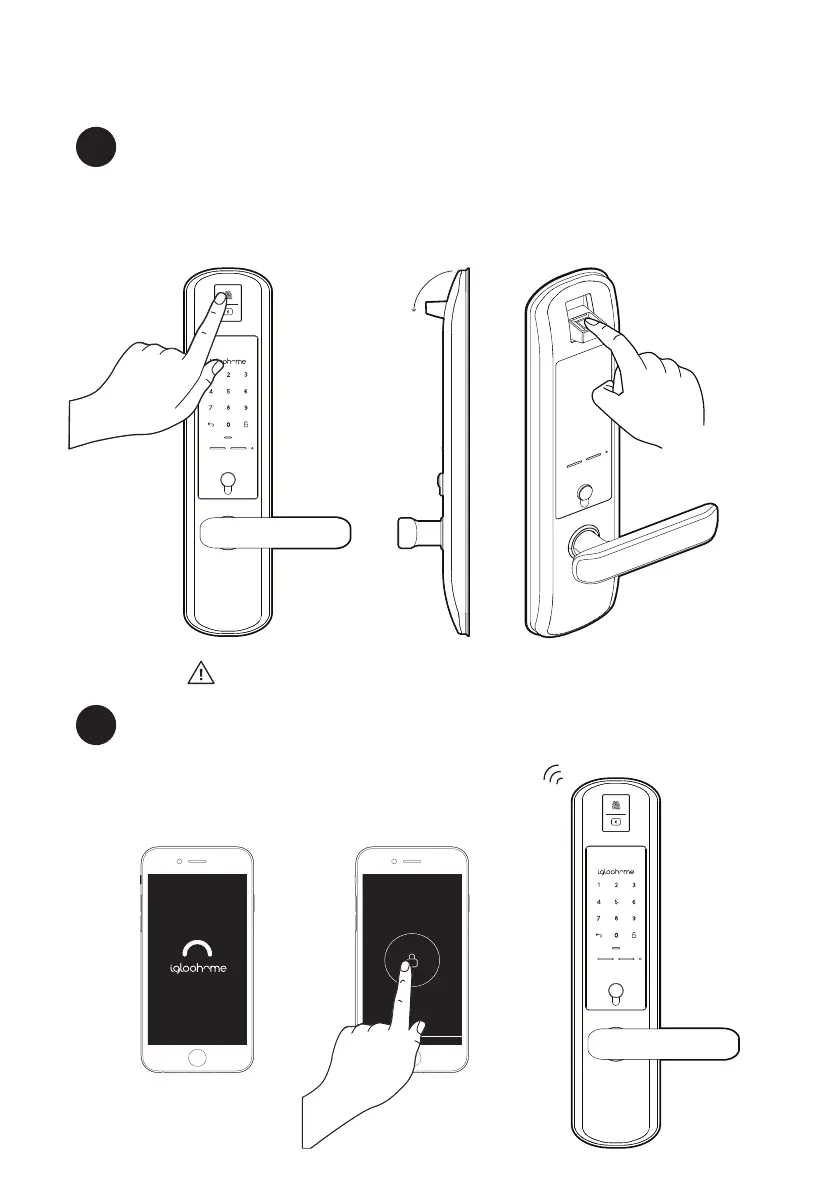
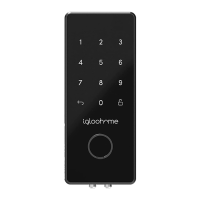
Fingerprint
a
1. Tap the fingerprint module to open it
2. Place your registered fingerprint on the scanner
3. The status indicator will flash green twice with 4 short ascending
tones once unlocked.
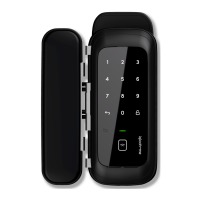
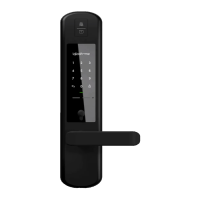
Mortise 2
Home
Bluetooth
1. Open your igloohome app
2. Tap on the “Bluetooth Unlock” button
3. The status indicator will flash green twice with 4 short
ascending tones once unlocked.
b
Flips Open
Note: If there are no registered fingerprints, the module
will flip open and close immediately when tapped


 To Next Page