24
App Onboarding
Test Factory PIN Unlock
a) Download igloohome from App store / Play store.
b) Create an account and login.
Register as a Lock User
2
Pairing
3
4
Setting Master PIN code
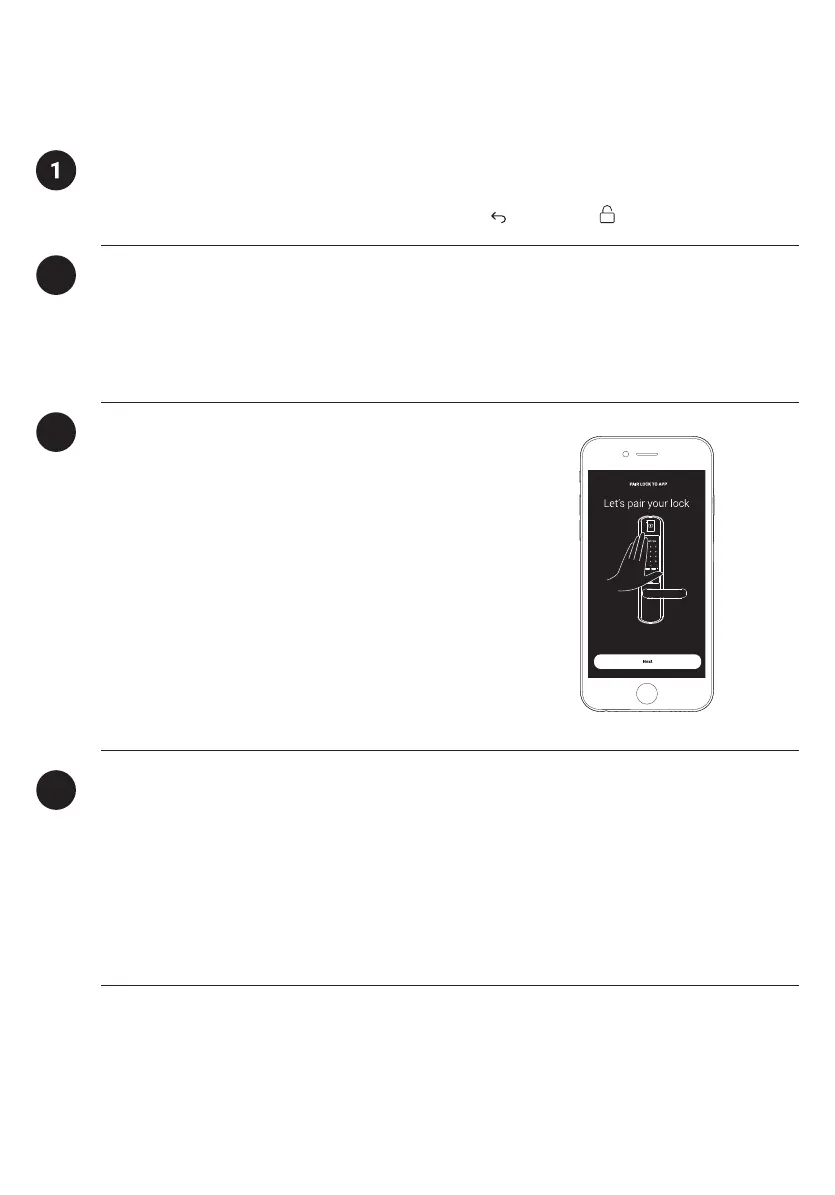
a) Select [Add new igloohome lock]
Note: For existing users with other paired locks, go
to [Configuration], select [Add Lock] and follow the
instructions.
Before proceeding, turn on your Bluetooth and ensure that you are within Bluetooth
range of the lock.
Go to [Access] and customize your [Master PIN] by editing it.
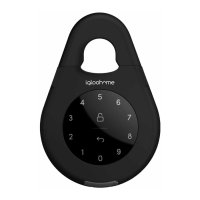
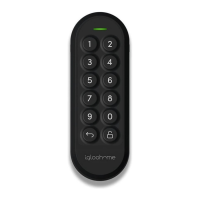
In the factory mode (before pairing), the PIN to unlock is 1234567890


 To Next Page